Digital Products to Sell: 25 Profitable Ideas for 2026
Looking for digital products to sell? Explore 25 profitable digital product ideas with typical prices and effort levels, plus how to pick your first one.
TL;DR
- The best digital products to sell solve one specific problem for an audience you can already reach, so choose the buyer before you choose the format.
- Templates, checklists and short guides are the easiest digital products to sell first, because you can finish one in a weekend and test demand cheaply.
- On a $29 sale, you keep about $24.46 on Gumroad, about $25.80 on Etsy, and about $26.41 to $27.86 on your own site before any plan cost.
- Recurring products such as memberships take more work to run, but they stop you having to find new buyers every month.
Best for
- Creators choosing their first digital product.
- Bloggers and newsletter writers who want income that doesn't depend on ads.
- Sellers comparing the margins of marketplaces, checkout tools and their own site.

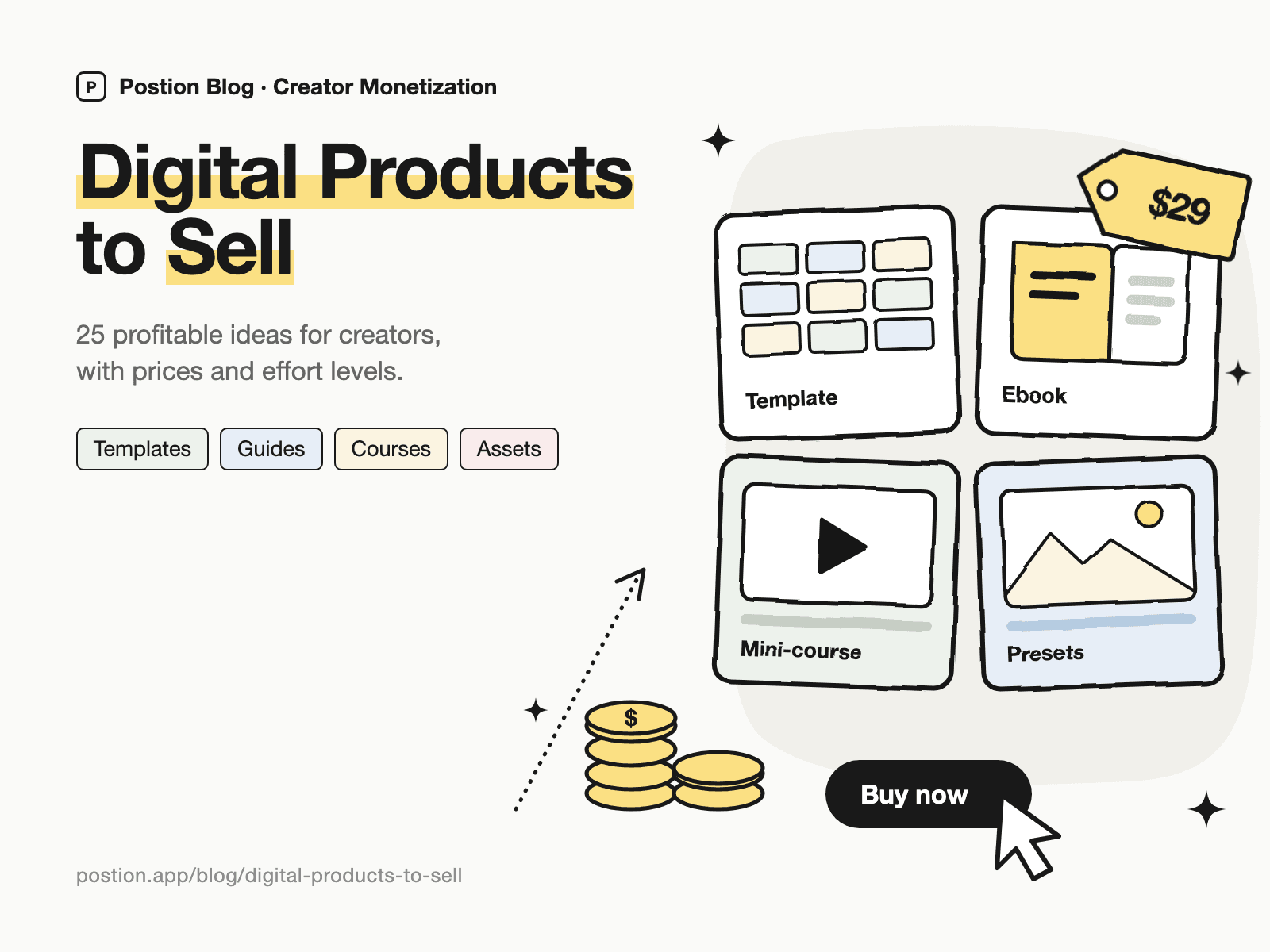
Most lists of digital products to sell start with the format: ebooks, templates, courses. That's backwards. A product sells because it solves a specific problem for someone who already trusts you, so the format is the last thing you should decide. Choose the buyer and the problem first, and the right format is usually obvious.
Below are 25 digital product ideas, grouped by type, with rough prices and how much work each one takes. You'll also find a way to pick your first product, the margin math on a typical sale, and the mistakes that sink most launches. If you've already picked a product and want the launch steps, go to our guide on how to sell digital products for beginners.
How to Choose Digital Products to Sell
Run every idea through three questions before you build anything.
- Can you name the buyer? "Freelance designers who send proposals" is a buyer. "Anyone who wants to be more productive" isn't.
- Is the problem already costing them something? People pay to save time, avoid mistakes or make money. They rarely pay for extra information they could find for free.
- Can you reach them today? A blog, newsletter, YouTube channel or even a small but engaged audience gives you somewhere to launch. Without one, a marketplace is the better place to start, because it brings its own traffic.
An idea that passes all three is worth building, even in a boring format. A plain spreadsheet that solves an expensive problem will outsell a beautiful course nobody asked for.
Digital Product Ideas at a Glance
Prices here are rough market ranges and effort is our own estimate, so treat both as starting points rather than promises.
| Type | Examples | Typical price | Effort to make | Best for |
|---|---|---|---|---|
| Templates and tools | Notion, Canva, spreadsheets | $5–$79 | Low | Practical, process-driven niches |
| Written guides | Ebooks, playbooks, swipe files | $9–$49 | Low to medium | Writers and bloggers |
| Education | Mini-courses, workshops | $29–$499 | Medium to high | Teachers and experts |
| Creative assets | Presets, fonts, printables, audio | $3–$59 | Medium | Designers, artists, musicians |
| Recurring products | Paid newsletters, memberships | $5–$50/month | High (ongoing) | Creators who publish regularly |
25 Digital Products to Sell in 2026
Templates and tools
Templates are often the easiest digital products to sell, because the buyer can see exactly what they'll get and use it straight away.
- Notion templates. Dashboards and systems for a defined job, such as a client tracker for freelancers. See how to sell Notion templates for pricing and where to list them.
- Canva templates. Social post sets, pitch decks and lead magnets for people who don't design for a living. Check Canva's current license terms before you sell, because they limit what can be resold.
- Spreadsheets and calculators. Budget planners, pricing calculators and profit trackers. These do well because the value is easy to put a number on.
- Contract and proposal templates. Freelance contracts, client onboarding packs and scope documents. Have a lawyer review anything sold as legal paperwork, and add a clear disclaimer.
- Content calendars. A planner plus a year of prompts for a specific niche, such as real estate agents or yoga teachers.
- AI prompt libraries. These work only when they're narrow and tested, such as "50 tested prompts for writing grant applications." General prompt packs are everywhere, and most are free.
Written guides
If you already write well, this is the shortest path from your existing work to a product.
- Ebooks. Short, practical books outsell long, general ones. Our guide on how to sell ebooks covers formats, pricing and delivery.
- Playbooks. A step-by-step process with screenshots, such as "How we got our first 100 B2B leads."
- Workbooks. Guided exercises that turn a broad goal into a finished plan.
- Swipe files. Collections of working examples, such as cold emails that got replies or high-performing landing pages.
- Research reports. Original data or a well-organized market overview. This format commands high prices when buyers can expense it at work.
Courses and education
Education tends to bring the highest price per sale, but it also takes the most work to make and support.
- Mini-courses. Five to ten short lessons that teach one skill. It's a much smaller project than a full course and is usually the better first version.
- Full video courses. A larger transformation at a higher price. Build one only after a smaller product has proven the demand.
- Recorded workshops. Run a live session once, then sell the recording with your slides and any handouts.
- Tutorial series. Written or video walkthroughs of a specific tool, published as paid posts rather than a formal course.
- Self-paced challenges. A 30-day plan delivered one step at a time, which gives buyers structure and a reason to finish.
Creative assets
Creative products suit makers, but competition on the big marketplaces is intense. A focused style and niche matter more here than volume.
- Photo and video presets. Lightroom presets and LUTs with a recognizable look, shown in clear before-and-after images.
- Fonts and brush packs. A slower build, but a good library can keep selling for years.
- Printables and wall art. Planners, kids' activities and art prints. This category is crowded, so a narrow niche helps.
- Stock photos and video. Specific subjects that big libraries cover poorly, such as a particular trade or region.
- Music, samples and sound effects. Royalty-free tracks, sample packs and audio logos, with a clear license for commercial use.
Recurring products
These aren't one-time downloads, but they're some of the most valuable digital products you can build, because the income repeats each month.
- Paid newsletters. A dependable publishing rhythm in a niche that pays for information. See how to monetize a newsletter for the model and the numbers.
- Memberships. Ongoing access to a library, community or regular sessions. Our guide on how to price a membership community covers tiers and anchoring.
- Paid archives. A free blog with a paid back catalog of your deepest work. This fits long-running sites, and how to monetize exclusive content explains how to decide what goes behind the wall.
- Niche directories and datasets. A maintained list that saves people research time, such as grants, job boards or vetted vendors. Buyers pay for it to stay current.
The Most Profitable Digital Products to Sell: Run the Numbers
Profit depends on three things: your price, how many people you can reach, and how much of each sale you keep. Delivery costs almost nothing, so fees are one of the few costs you can compare directly.
Here's what you keep from one $29 sale in the US:
| Where you sell | Fees on a $29 sale | You keep | Who brings the buyer? |
|---|---|---|---|
| Gumroad (direct sale) | 10% + $0.50, plus 2.9% + $0.30 processing | About $24.46 | You |
| Etsy | $0.20 listing, 6.5% transaction, 3% + $0.25 processing | About $25.80 | Partly Etsy |
| Postion, Free plan | 5% platform fee, plus 2.9% + $0.30 processing | About $26.41 | You |
| Postion, Pro plan | 0% platform fee, plus 2.9% + $0.30 processing | About $27.86, before the monthly plan price | You |
Excludes payout fees, tax and Etsy Offsite Ads. Etsy rates are the published US rates as reported by third-party guides, so check Etsy's fee policy before relying on them. Try other prices in our creator fee calculator.
The gap between these options is small on one sale, and it's easy to overrate. Selling 30 copies at $29 brings in $870 anywhere. Moving from a 10% fee to 0% saves real money at volume, but the bigger question is whether a platform helps you find more buyers and whether you keep their email addresses for your next launch.
A worked example
Say you have a newsletter with 2,000 readers (these numbers are illustrative, not a benchmark):
- A $29 template bought by 2% of readers: 40 sales and $1,160 in revenue.
- A $149 mini-course bought by 0.5% of readers: 10 sales and $1,490 in revenue.
- A $9 monthly membership joined by 1% of readers: 20 members and $180 a month, which only passes the course's revenue in month nine, before any cancellations.
The template is the fastest to build, the course earns the most up front, and the membership keeps paying if you can hold on to your members. That's why many creators sell in that order rather than starting with a course or a membership.
Easy Digital Products to Sell as a Beginner
If you haven't sold anything yet, start with one of these. You can finish them quickly, so you find out whether there's demand before you've invested too much.
- A checklist or one-page cheat sheet ($5–$12). Turn your most popular post into something a reader can keep open while they work.
- A template with a short guide ($15–$39). Package a system you already use yourself. The guide helps buyers get a result, which reduces refund requests.
- A recorded workshop ($29–$79). Run one live session. It gives you the content, real questions from attendees, and your first revenue.
A good way to find the topic is to look at your own data. Your most-read posts, most common reader questions and most saved social posts all point to problems your audience already cares about.
How to Validate a Digital Product Idea Before You Build It
Building first is the most expensive way to find out nobody wants your product. Try these instead, cheapest first:
- Ask directly. Email your list or post: "I'm making X for people who struggle with Y. Would you buy it for $Z?" Treat replies as weak evidence, because saying yes costs nothing.
- Publish the free version. If a free post or checklist gets strong traffic and saves, people want a deeper version.
- Sell it before it's finished. Offer a discounted presale with a delivery date, and refund everyone if too few people buy. Payment is the only strong signal.
- Check the marketplaces. Reviews on similar products show that buyers exist, and bad reviews show you what to do better.
Common Mistakes When Selling Digital Products
- Copying what's popular. A trending product has plenty of sellers, and you have no advantage over them unless you serve a narrower buyer.
- Starting with a big course. Months of recording before your first sale is a costly way to test an idea.
- Reselling content you don't have rights to. Fonts, stock images, PLR packs and third-party templates all come with license limits. Read them before you sell.
- Pricing on length. A 10-page guide that solves an expensive problem is worth more than a 200-page book that doesn't.
- Skipping the buyer's email. Your past buyers are the easiest people to sell to, so choose a setup that lets you contact them.
- Launching once and moving on. Most products need a sales page, reviews and repeated promotion, and those improve over time.
Where to Sell Your Digital Products
The right place depends on whether you have an audience yet:
- No audience yet: Start on a marketplace such as Etsy, because shoppers are already searching there. You'll accept less control over branding and customer relationships in exchange for that traffic.
- Some audience: A checkout tool is quick to set up. Our list of Gumroad alternatives compares fees and features, and Stan Store alternatives covers link-in-bio options.
- An audience you want to keep: Your own site gives you the customer list, the search traffic and the most room to grow. Our guide to the best platform for content creators compares the main choices.
Selling digital products on Postion
Postion suits products that can be delivered through a paid post, such as guides, tutorials, and templates or files you share by link. Readers see a free preview, pay once at checkout, and unlock the full post along with your download link. Every buyer's email goes into your fans list, and you can run paid subscriptions from the same site.
It isn't a full digital storefront. Postion doesn't have a product catalog, license keys, bundles or a seller affiliate program, and you'll usually host larger files elsewhere and share the link. If you need those features, a dedicated tool such as Gumroad or Payhip is a better fit.
The platform fee is 5% on the Free plan, 2% on Launch and 0% on Pro, plus card processing at cost. Paid plans have a monthly price, and custom domains and newsletter sending start on Launch, with up to 100 newsletter subscribers on Launch and 500 on Pro. See what Postion is for the full picture.
FAQ
Q: What are the best digital products to sell? A: The best digital products to sell solve one specific, costly problem for an audience you can reach. For most creators that means a template, a short guide or a mini-course in their own niche. A popular format won't help if you don't have a clear buyer.
Q: What digital products sell the most? A: Templates, printables, ebooks and online courses are among the most commonly sold categories, but high sales volume also means more competition. A narrower product for a specific buyer is usually easier to sell than a general one in a popular category.
Q: What are some examples of digital products? A: Common digital products examples include ebooks, Notion and Canva templates, spreadsheets, online courses, recorded workshops, Lightroom presets, fonts, stock photos, printables, sample packs, paid newsletters and memberships.
Q: What is the easiest digital product to make and sell? A: A checklist or a template with a short guide is usually the easiest, because you can finish it in a weekend. Start with something you already use yourself, so you know it works.
Q: How much should I charge for a digital product? A: Price on the result it delivers, not the hours it took. Many first products sit between $10 and $49. Launch, gather feedback and reviews, then raise the price if buyers aren't hesitating.
Q: Can I sell digital products without an audience? A: Yes, though it's harder. Marketplaces such as Etsy bring their own shoppers, and search-focused content can bring buyers over time. Building even a small email list alongside your first product makes each later launch easier.
Ready to sell your first product? See how Postion works to sell paid posts and memberships on your own site, keep every buyer's email, and pay a platform fee from 5% down to 0%.
Building income from your writing as well? Our guide on how to monetize a blog shows where digital products fit alongside ads, affiliates and memberships.
Topic Hub
Explore the Creator Monetization Hub
A topic cluster built around monetization systems, pricing logic, digital products, memberships, and sustainable creator revenue.
Keep Exploring
Related Reads
More posts connected to this topic cluster and reading path.
How to Sell Ebooks Online: A 7-Step Guide for Creators (2026)
Learn how to sell ebooks online in 7 steps: pick a topic, write and format your ebook, price it, choose where to sell ebooks (Amazon, Etsy or your own website), and market it to buyers.
How to Sell Notion Templates: A 7-Step Guide (2026)
Learn how to sell Notion templates in 7 steps: find a niche, build templates that sell, price them, pick where to sell Notion templates, and make money with Notion templates on autopilot.
How to Monetize a Blog: 9 Ways to Make Money Blogging in 2026
Learn how to monetize a blog at any traffic level: 9 ways to make money blogging, from digital products and paid posts to affiliates and ads, with real math.