The Creator's Guide to Email Security: DMARC for Creator Newsletters
Understand the importance of DMARC for creator newsletters. Protect your brand, ensure deliverability, and secure your email list with this 2026 guide.

The Creator's Guide to Email Security: DMARC for Creator Newsletters
In 2026, building an email list is the most reliable way to secure your audience against unpredictable social media algorithms. However, as your list grows, so does your responsibility to protect it. Understanding DMARC for creator newsletters is no longer optional—it is a mandatory requirement enforced by major inbox providers like Google and Yahoo to ensure your emails actually reach your subscribers.
If you are serious about content monetization strategies for small creators, mastering email deliverability and security is the foundation of your digital business.
Why DMARC for Creator Newsletters Matters Now
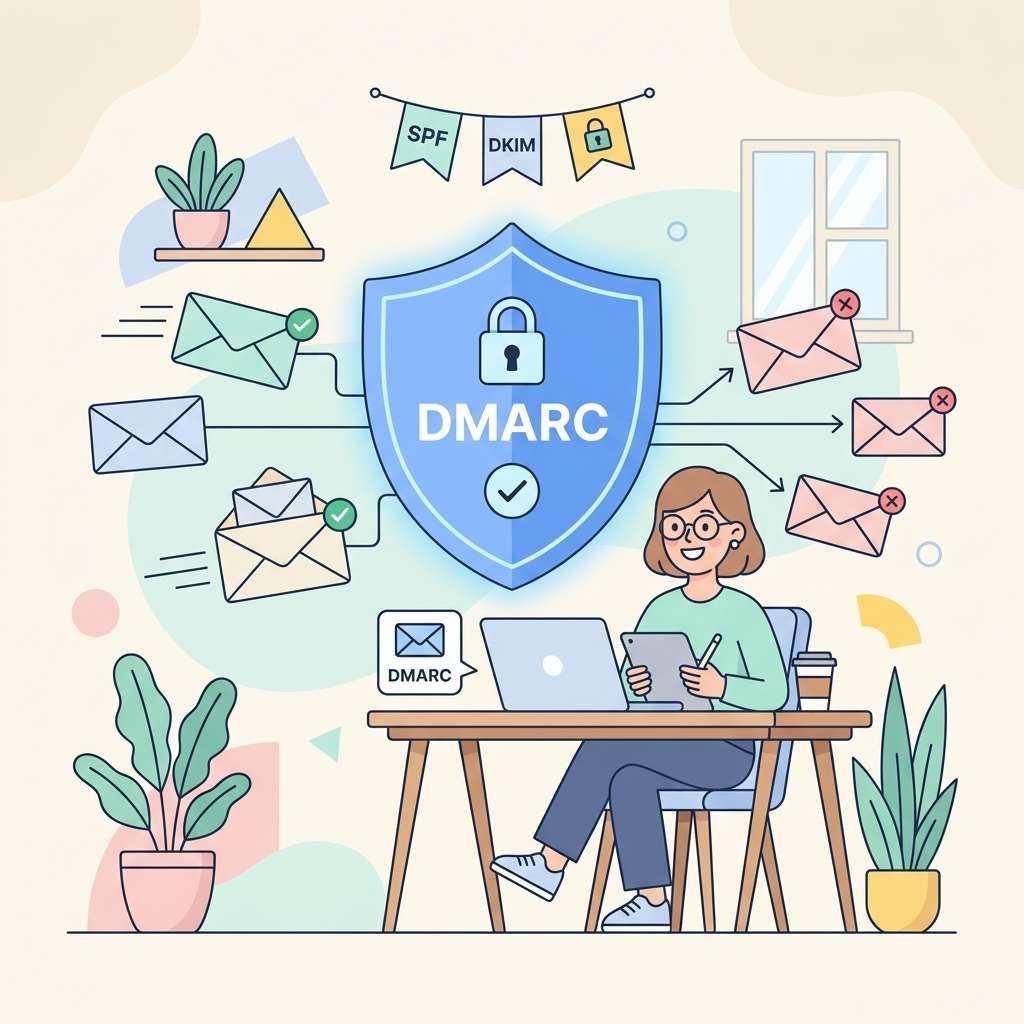
DMARC (Domain-based Message Authentication, Reporting, and Conformance) sounds highly technical, but its purpose is simple: it prevents hackers from impersonating your domain. If someone sends a phishing email pretending to be you, DMARC tells the receiving server to reject it.
More importantly, major email providers now require strict authentication. If you ignore DMARC for creator newsletters, your emails will likely land in the spam folder, destroying your open rates and your revenue.
1. The Trifecta: SPF, DKIM, and DMARC
To set up DMARC for creator newsletters correctly, you first need to configure two other records in your domain's DNS settings:
- SPF (Sender Policy Framework): Lists the IP addresses and services (like ConvertKit or Ghost) authorized to send emails on your behalf.
- DKIM (DomainKeys Identified Mail): Adds a digital signature to your emails, proving they haven't been tampered with in transit.
Once SPF and DKIM are active, DMARC acts as the enforcer, tying them together and dictating what happens if an email fails these checks. This is a technical but necessary step in any ultimate creator monetization guide.
2. Implementing Your DMARC Record
Adding a DMARC record involves creating a TXT record in your DNS provider (like Cloudflare, Namecheap, or GoDaddy). A basic starting record looks like this:
v=DMARC1; p=none; rua=mailto:[email protected];
p=none: This means you are just monitoring the traffic without blocking anything yet. It is the safest way to start.rua: Tells providers where to send daily reports about your email traffic.
As you grow and become a successful passive income content creator, you will eventually shift this policy to p=quarantine or p=reject for maximum security.
3. Monitor and Maintain Your Deliverability
Setting up DMARC for creator newsletters is not a set-it-and-forget-it task. You should actively monitor your DMARC reports using tools like Postmark or Dmarcian. These reports will alert you if your legitimate newsletter platform is suddenly failing authentication due to a misconfiguration.
Maintaining a clean sender reputation is just as important as knowing how to make money as a content creator. A massive list is worthless if your emails go to spam.
4. Platform Compliance
Most of the best platforms for creator content monetization, including Ghost, Substack, and Beehiiv, now strongly urge or force creators to authenticate their custom domains. Take the time to follow their specific DNS setup instructions carefully.
Final Thoughts on Newsletter Security
While it may seem daunting, implementing DMARC for creator newsletters is a one-time setup that pays massive dividends in the long run. By protecting your domain reputation, you guarantee that your valuable content—and your monetization efforts—actually reach the audience that signed up for them.
Topic Hub
Explore the Platform Comparisons Hub
This article is part of a larger cluster. Use the hub page to move between the pillar guide and the supporting articles that reinforce the same topic.
Keep Exploring
Related Reads
More posts connected to this topic cluster and reading path.
Gmail Account Creator Tool: The Risks & The Professional Alternative
Searching for a Gmail account creator tool? Before you risk your business with a bulk Gmail account creator, learn about the dangers and discover the professional alternative for managing your brand's communications.
Who Issues Your SSL Certificate? Why a CAA Record is Crucial for Website Security
Learn what a CAA record is and why it's crucial for your website security. This guide explains SSL certificate security and shows you how to add a CAA record to prevent unauthorized issuance and man-in-the-middle attacks by specifying your chosen Certificate Authority.
Improve Email Deliverability: A Simple Guide to Setting Up Your DMARC Record
Are your emails landing in spam? Learn what a DMARC record is and why it's essential for email security and deliverability. Follow our simple, step-by-step guide to set up a DMARC policy, prevent email spoofing, and protect your brand.