How to Sell Lightroom Presets: A Step-by-Step Guide (2026)
Learn how to sell Lightroom presets: create presets that sell, export XMP and DNG files, price your packs, and compare where to sell presets online.
TL;DR
- Presets that sell deliver one consistent, recognizable look for a specific kind of photo, such as moody food, film-style travel or bright wedding portraits, rather than a random mix of filters.
- Ship each pack with XMP files for Lightroom on desktop, DNG files for mobile-only buyers, and a short install guide. That prevents most support requests and refunds.
- Most preset packs sell for $15 to $40. On a $25 pack you keep about $21 to $24 on common checkout tools, depending on fees.
- Before-and-after images and short editing videos sell presets better than any listing description.
Best for
- Photographers and photo creators with a recognizable editing style.
- Creators looking for a digital product that fits an existing photography audience.

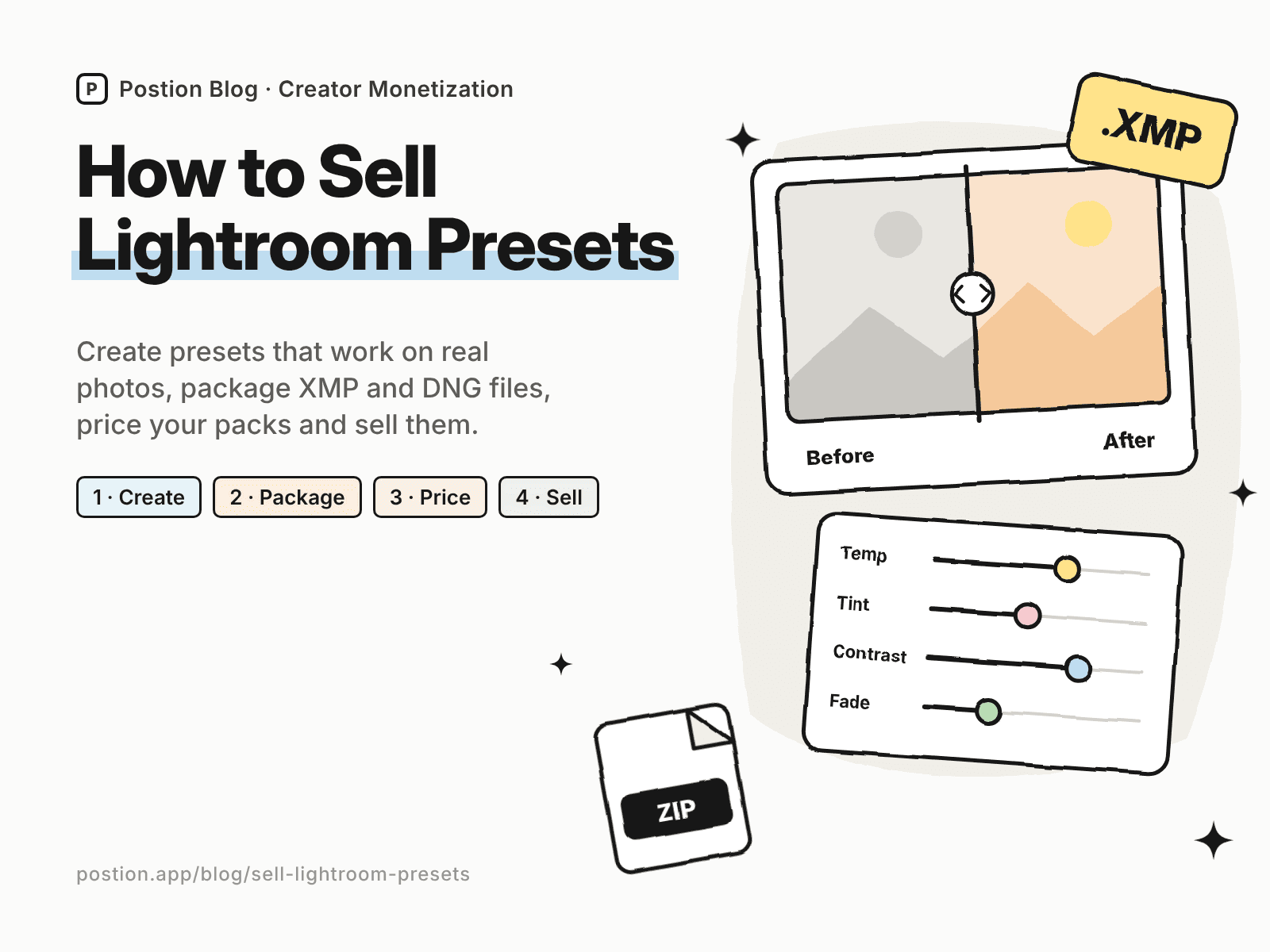
If people regularly ask how you edit your photos, you can learn how to sell Lightroom presets in a weekend. A preset is a saved set of Lightroom adjustments that buyers apply to their own photos in one click. It's a natural first digital product for photographers: no inventory, instant delivery, and a product your audience can see working in every photo you post.
The catch is that free presets are everywhere, and buyers have seen plenty that look great on the seller's photos and terrible on theirs. This guide shows you how to make presets that work on real photos, package them properly, price them, choose where to sell presets, and market them so they keep selling.
New to digital products? Start with how to sell digital products for beginners, then come back for the preset-specific steps.
Step 1: Pick a Look and a Niche That Sell
The presets that sell best give one consistent, recognizable look for a specific type of photo. Use this formula:
[Type of photo] + [lighting conditions] + [signature look]
| Generic pack | Pack that sells |
|---|---|
| "Aesthetic presets" | Warm film presets for golden-hour travel photos |
| "Wedding presets" | Bright, true-to-skin presets for indoor wedding receptions |
| "Food presets" | Moody dark-background presets for food bloggers |
| "Instagram presets" | Soft pastel presets for product photos on white backgrounds |
To validate a niche:
- Search Etsy, Gumroad and Payhip for your style and check which packs have many reviews.
- Read the critical reviews. Complaints such as "turns skin orange" or "only works in sunlight" show you what to do better.
- Ask your audience which of your edits they'd most like to copy. The photos people comment on are your best product clues.
Step 2: Create Presets That Work on Real Photos
A preset that only works on your own photos will bring refunds. Build presets that hold up across different cameras, lighting and skin tones:
- Start from a neutral base. Make your global look (tone curve, color grading, HSL) the core of the preset, and leave exposure and white balance mostly to the buyer, since those change with every photo.
- Test on at least 20–30 varied photos: daylight and indoor, different cameras and phones, and a range of skin tones.
- Make variations, such as "Light," "Indoor" and "Strong" versions of the same look, so buyers have one that fits their photo.
- Name presets clearly, for example "Golden Travel 01 – Daylight," so buyers know which one to try first.
Step 3: Export and Package Your Presets
Buyers use different versions of Lightroom, so include every format they might need:
- XMP files for Lightroom Classic and Lightroom on desktop. Export them from your presets panel.
- DNG files for buyers who only use Lightroom on their phone. Apply each preset to a sample photo, export it as DNG, and buyers copy the settings from it on mobile.
- An install guide (a one-page PDF or a short video) covering desktop and mobile installation, plus a tip on adjusting exposure and white balance after applying a preset.
- Before-and-after examples so buyers know what to expect.
Zip everything into a single download, and name the file after the pack.
Step 4: Price Your Preset Packs
These ranges are typical for creator-sold presets:
| Product | Typical price |
|---|---|
| Single preset or mini pack (1–3 presets) | $5–$12 |
| Standard pack (5–15 presets) | $15–$40 |
| Bundle of several packs | $40–$90 |
| Presets plus editing video course | $50–$150 |
Pricing tips:
- Sell packs, not single presets. A pack offers variations that cover more lighting conditions, which means happier buyers.
- Add a bundle. Showing a $69 bundle next to a $25 pack makes the pack feel easy and lifts your average order value.
- Add education. A short video showing how you edit with the presets is worth more to many buyers than extra presets.
- Consider video LUTs as an upsell if your audience also shoots video.
Step 5: Choose Where to Sell Presets
Here's what you keep from a $25 preset pack on common options, using US card payments:
| Where to sell | Main fees | You keep | Buyer emails? |
|---|---|---|---|
| Etsy | $0.20 listing + 6.5% transaction + 3% + $0.25 processing | About $22.18 | No |
| Gumroad | 10% + $0.50, plus 2.9% + $0.30 processing | About $20.98 | Yes |
| Payhip (Free plan) | 5%, plus 2.9% + $0.30 processing | About $22.73 | Yes |
| Postion (Free plan) | 5%, plus 2.9% + $0.30 processing | About $22.73 | Yes |
| Postion (Pro plan) | 0%, plus 2.9% + $0.30 processing | About $23.98, before the monthly plan price | Yes |
Fees change often. Check each platform's pricing page before you launch, or plug in your own numbers with the creator platform fee calculator.
Etsy brings marketplace search, but you compete with thousands of preset listings and don't get buyer emails. Selling through your own site or a checkout tool keeps more of each sale and lets you tell buyers about your next pack. Our list of Gumroad alternatives compares more checkout tools, and Stan Store alternatives covers link-in-bio stores popular with photographers on Instagram.
Selling presets on Postion
Postion suits photographers who share editing tips on a blog or newsletter. Publish a paid post with before-and-after examples as the free preview, set a one-time price, and put the download link for your ZIP behind the paywall. Buyers pay once and unlock the post with the link, and every buyer's email lands in your fans list. You can also run a paid membership, for example a monthly preset drop with editing breakdowns.
It isn't a full storefront. Postion doesn't have a product catalog, cart, bundles or license keys, and you'll host the ZIP file elsewhere and share the link. The platform fee is 5% on the Free plan, 2% on Launch and 0% on Pro, plus card processing at cost. See what Postion is for details.
Step 6: Market Your Presets
- Show before and after. Side-by-side images and slider videos are the most convincing preset marketing.
- Post short editing videos. "Editing this photo with my presets" Reels, TikToks and Shorts show the product in action.
- Give away one free preset in exchange for an email, then follow up with the full pack.
- Write editing tutorials. Blog posts such as "How I edit moody food photos in Lightroom" bring in search traffic and link naturally to your presets. See how to monetize a blog.
- Feature buyers' photos. Ask buyers to tag you, and share their results with permission.
Common Mistakes When Selling Lightroom Presets
- Showing only your best photos. Buyers trust packs that show results on ordinary photos too.
- Hard-coding exposure and white balance. That makes presets fail on most buyers' photos.
- Missing mobile files. Many buyers only use Lightroom on their phone.
- No install guide. Installation questions are the most common reason for support emails and refunds.
- Using photos you don't own in marketing. Only use your own photos, and get permission for photos of other people.
FAQ: How to Sell Lightroom Presets
Q: Can you make money selling Lightroom presets? A: Yes. Many photographers earn a steady side income from presets, especially when they have an audience that already likes their editing style. Results depend on a clear niche, presets that work on real photos, and consistent marketing with before-and-after examples.
Q: Where is the best place to sell Lightroom presets? A: Etsy brings marketplace search but keeps more of each sale and doesn't share buyer emails. Payhip, Gumroad or a paid post on your own site keep more of each sale and let you build a customer list. Many sellers use both.
Q: How much should I charge for Lightroom presets? A: Most creator-sold packs of 5–15 presets sell for $15–$40, single presets or mini packs for $5–$12, and bundles for $40–$90. Price on the look and the time it saves, and use bundles to raise your average order value.
Q: What file format should I sell Lightroom presets in? A: Include XMP files for Lightroom on desktop and DNG files for buyers who only use Lightroom on mobile, plus an install guide. Zip everything into a single download.
Q: Do I need Lightroom Classic to make presets? A: You can create presets in either Lightroom Classic or Lightroom on desktop, and both can export them. You'll need a desktop version to export XMP files reliably.
Start Selling Your First Preset Pack
Learning how to sell Lightroom presets comes down to a simple loop: pick one look for one type of photo, test it on real photos, package it with every file buyers need, price it as a pack, and show before-and-after results everywhere you post. Start with the edit your audience already asks about.
Ready to sell your first pack? See how Postion works to sell paid posts and memberships on your own site, keep every buyer's email, and pay a platform fee from 5% down to 0%.
Topic Hub
Explore the Creator Monetization Hub
A topic cluster built around monetization systems, pricing logic, digital products, memberships, and sustainable creator revenue.
Keep Exploring
Related Reads
More posts connected to this topic cluster and reading path.
How to Sell Recipes Online: 7 Ways to Make Money (2026)
Learn how to sell recipes online with cookbooks, meal plan memberships and paid recipe posts, where to sell them, and what to charge to make money from recipes.
How to Sell Printables Online: Make, Price & Sell (2026)
Learn how to sell printables online: find printables that sell, price them, and compare where to sell printables, from Etsy and TPT to your own site.
How to Monetize a Blog: 9 Ways to Make Money Blogging in 2026
Learn how to monetize a blog at any traffic level: 9 ways to make money blogging, from digital products and paid posts to affiliates and ads, with real math.