How to Sell Digital Stickers for GoodNotes (2026)
Learn how to sell digital stickers: transparent PNGs and sticker books for GoodNotes and digital planners, pricing sticker packs, and where to sell them.
TL;DR
- Digital stickers are transparent PNG images that buyers drag into digital planners and note apps such as GoodNotes. Many sellers also offer a sticker book file.
- Themed packs with a consistent style sell better than random collections. Planner functional stickers, such as headers, tabs and checklists, sell all year.
- Most sticker packs sell for $3 to $12. On a $6 pack you keep about $4.43 to $5.53 on common checkout tools.
- State a clear license, such as personal use only, with a separate commercial license if you want to allow it.
Best for
- Illustrators and planner lovers with a recognizable drawing style.
- Digital planner sellers who want an add-on product.

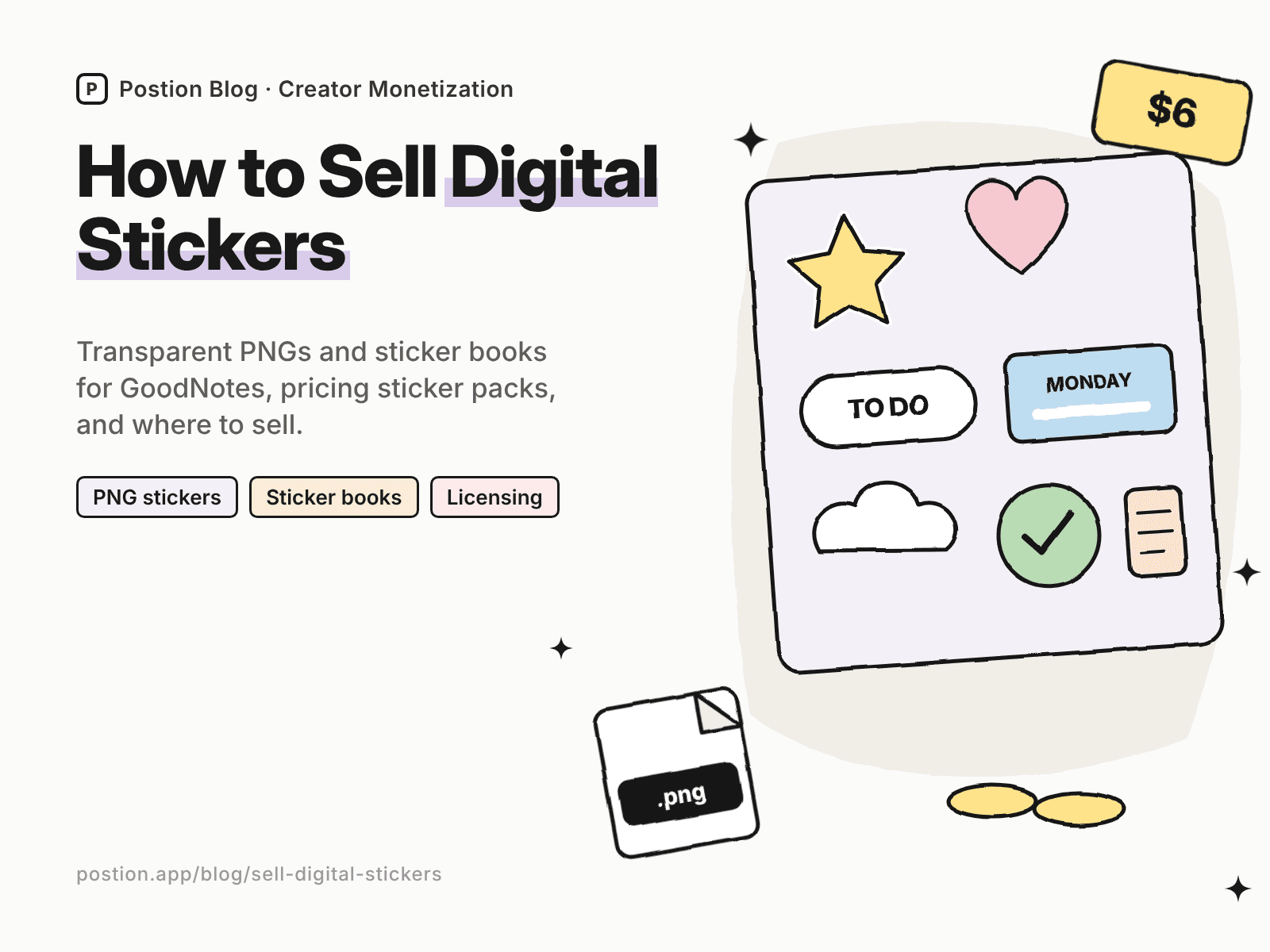
Digital stickers are one of the easiest products to add to a digital art or planner shop. Buyers drop them into their digital planners, journals and notes on an iPad, and one well-designed pack can sell for years. Learning how to sell digital stickers mostly comes down to a consistent style, clean transparent files, smart packaging and a clear license.
This guide covers how to make digital stickers, formats, pricing and where to sell digital stickers. If you also make planners, see our guide on how to sell digital planners.
Step 1: Choose Sticker Themes That Sell
| Generic pack | Pack that sells |
|---|---|
| "Cute stickers" | Cozy autumn reading stickers in a watercolor style |
| "Planner stickers" | Functional weekly headers, tabs and checklists in muted colors |
| "Animals" | Corgi daily life stickers for dog owners |
| "Study stickers" | Nursing school study stickers with anatomy icons |
| "Habit stickers" | Fitness and hydration trackers for wellness planners |
Functional stickers, such as date headers, to-do boxes and trackers, sell all year. Decorative stickers, such as seasonal and hobby themes, sell well around holidays and new planner seasons.
Step 2: Make Your Stickers
- Draw in a consistent style, in an app such as Procreate, Illustrator or Affinity.
- Export transparent PNGs at a high enough resolution to look sharp when resized.
- Add a white border or subtle shadow if you want a classic sticker look.
- Crop each sticker tightly, so buyers can place it precisely.
- Name files clearly, for example "autumn-reading-01.png."
Sticker books
Many buyers prefer a sticker book: a file with all stickers laid out, which they open in GoodNotes or a similar app and copy stickers from. Offer both individual PNGs and a sticker book where you can. Test the files in the apps your buyers use.
Step 3: Price Your Sticker Packs
| Product | Typical price |
|---|---|
| Small themed pack (20–50 stickers) | $3–$6 |
| Large pack (100+ stickers) | $6–$12 |
| Functional planner sticker kit | $5–$12 |
| Bundle of several packs | $12–$30 |
| Commercial use license | Priced separately |
Stickers make an excellent add-on to digital planners. Offer a planner and sticker bundle at a discount to raise your average order.
Step 4: Licensing
- Draw original artwork, and avoid characters, brands and logos.
- Check licenses for any fonts or elements you use.
- State your license clearly. Most packs are for personal use. If you allow buyers to use stickers in products they sell, offer a separate commercial license with clear limits.
Step 5: Where to Sell Digital Stickers
Here's what you keep from a $6 sticker pack, using US card payments:
| Where to sell | Main fees | You keep | Buyer emails? |
|---|---|---|---|
| Etsy | $0.20 listing + 6.5% transaction + 3% + $0.25 processing | About $4.98 | No |
| Gumroad | 10% + $0.50, plus 2.9% + $0.30 processing | About $4.43 | Yes |
| Payhip (Free plan) | 5%, plus 2.9% + $0.30 processing | About $5.23 | Yes |
| Postion (Free plan) | 5%, plus 2.9% + $0.30 processing | About $5.23 | Yes |
| Postion (Pro plan) | 0%, plus 2.9% + $0.30 processing | About $5.53, before the monthly plan price | Yes |
Fees change often. Check each platform's pricing page, or plug in your own numbers with the creator platform fee calculator.
Etsy has the largest audience searching for "GoodNotes stickers" and "digital planner stickers." Some note-taking apps also run their own marketplaces for stickers and templates, with their own seller terms. Your own site keeps more of each sale and lets you tell buyers about new packs. Our list of Gumroad alternatives compares more checkout tools.
Selling stickers on Postion
Postion suits artists and planner creators who share their work on a blog or newsletter. Publish a paid post with a preview sheet as the free part, set a one-time price, and put the ZIP download link behind the paywall. Buyers pay once and unlock it, and every buyer's email lands in your fans list. A monthly sticker club works well as a paid membership, and you can create discount codes for planner season.
It isn't a full storefront. Postion doesn't have a product catalog, cart or bundles, and you'll host files elsewhere and share the link. The platform fee is 5% on the Free plan, 2% on Launch and 0% on Pro, plus card processing at cost. See what Postion is.
Step 6: Market Your Stickers
- Show stickers in a planner. "Plan with me" videos and screen recordings sell stickers far better than a flat preview.
- Pin every pack to Pinterest with keywords such as "GoodNotes stickers."
- Give away a free mini pack in exchange for an email.
- Launch seasonal packs early, a few weeks before each holiday or season.
- Bundle with planners if you sell them.
For related products, see how to sell Procreate brushes, how to sell printables online and digital products to sell.
FAQ: How to Sell Digital Stickers
Q: Can you make money selling digital stickers? A: Yes. Many artists earn a side income from sticker packs, especially when they pair stickers with digital planners. Results depend on a consistent style, useful themes and good previews in real planners.
Q: What file format should digital stickers be? A: Transparent PNG files are the standard. Many sellers also include a sticker book file that buyers open in GoodNotes or a similar app. Test files in the apps your buyers use.
Q: Where is the best place to sell digital stickers? A: Etsy has the most buyers searching for digital planner and GoodNotes stickers. Your own site or a checkout tool keeps more of each sale and gives you buyer emails.
Q: How much should I charge for digital stickers? A: Small themed packs often sell for $3–$6, large packs and functional kits for $5–$12, and bundles for $12–$30.
Q: Can buyers use my stickers commercially? A: Only if your license allows it. Most sticker packs are for personal use. Offer a separate commercial license if you want buyers to use your stickers in products they sell.
Start Selling Your First Pack
Learning how to sell digital stickers comes down to a simple loop: draw a themed pack in a consistent style, export clean transparent files, license them clearly, and show them in real planners. Start with the stickers you'd want in your own planner.
Ready to sell your first pack? See how Postion works to sell paid posts and sticker-club memberships on your own site, keep every buyer's email, and pay a platform fee from 5% down to 0%.
Topic Hub
Explore the Creator Monetization Hub
A topic cluster built around monetization systems, pricing logic, digital products, memberships, and sustainable creator revenue.
Keep Exploring
Related Reads
More posts connected to this topic cluster and reading path.
How to Sell Digital Planners: GoodNotes & iPad Guide (2026)
Learn how to sell digital planners: hyperlinked PDF planners for GoodNotes and Notability, niches that sell, pricing, and where to sell digital planners online.
How to Sell Embroidery Designs Online (2026 Guide)
Learn how to sell embroidery designs online: PES, DST and JEF files, hoop sizes, stitch-out testing, licensing, pricing, and where to sell embroidery designs.
How to Sell Lesson Plans Online: A Teacher's Guide (2026)
Learn how to sell lesson plans online: check your school's rules, create resources teachers buy, price them, and compare TPT with selling on your own site.