How to Sell Procreate Brushes: A Step-by-Step Guide (2026)
Learn how to sell Procreate brushes: make brushes that sell, export .brushset files, price your packs, compare where to sell Procreate brushes, and market them.
TL;DR
- You can sell Procreate brushes you create yourself. Don't resell Procreate's default brushes or other artists' brushes, even modified.
- Brushes that sell solve a specific job for a specific artist, such as gouache textures for children's book illustrators, rather than a random mix of 100 brushes.
- Package each set as a .brushset file with a preview sheet and install guide, and say which Procreate versions and devices you've tested.
- Most brush packs sell for $5 to $30. On a $15 pack you keep about $12.27 to $14.27 on common checkout tools.
Best for
- Illustrators and lettering artists with brushes other artists ask about.
- Digital artists looking for a first digital product that fits their audience.

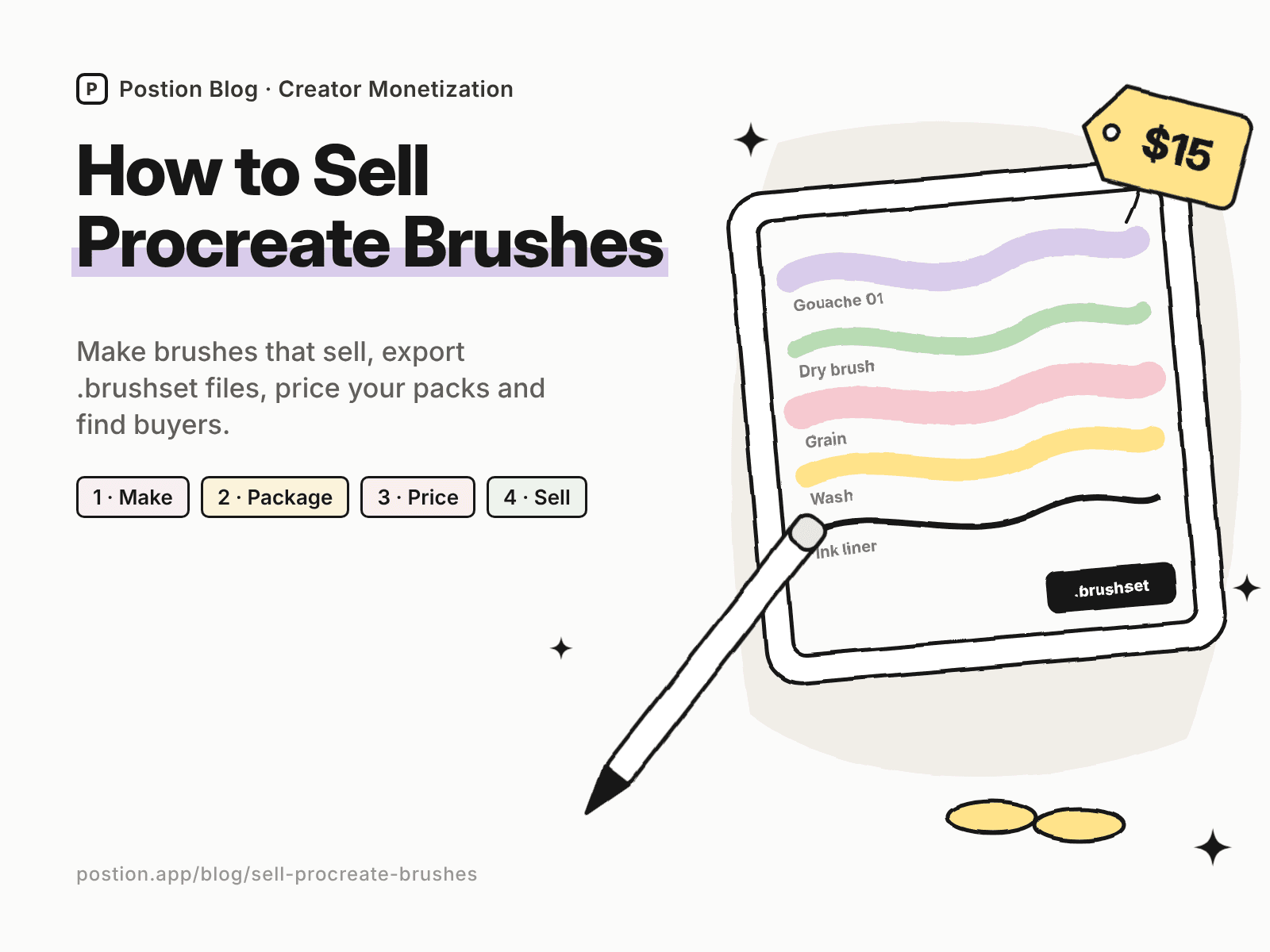
If other artists keep asking which brushes you use, you can learn how to sell Procreate brushes in a weekend. Brushes are one of the most popular digital products for artists: they're small files, they deliver instantly, and every piece of art you post shows them in action.
The market is busy, though. There are thousands of free and paid brush packs, so the ones that sell are focused, well tested and clearly presented. This guide covers how to make brushes people pay for, how to package and price them, where to sell Procreate brushes, and how to market them. If you're new to selling digital products, start with how to sell digital products for beginners.
Can You Sell Procreate Brushes?
Yes, as long as the brushes are your own work:
- Sell brushes you created, including your own textures, shapes and grain sources.
- Don't resell Procreate's default brushes, or packs made by other artists, even if you change the settings.
- Use textures you own or have a commercial license for, if you use photos or scans as brush sources.
State your license in the listing, for example personal and commercial use of artwork made with the brushes allowed, but no reselling or sharing the brushes themselves.
Step 1: Choose Brushes That Sell
The best-selling brush packs are built for one style or job:
| Generic pack | Pack that sells |
|---|---|
| "Ultimate 150 brush mega pack" | Gouache and dry-brush textures for children's book illustration |
| "Lettering brushes" | Brush pens and monoline brushes for modern calligraphy |
| "Texture brushes" | Risograph grain and halftone stamps for retro posters |
| "Comic brushes" | Inking, screentone and panel brushes for manga artists |
| "Nature brushes" | Foliage, cloud and tree stamps for landscape painters |
To validate an idea:
- Search Etsy and Gumroad for the style and look at the top packs' reviews.
- Read the critical reviews. Complaints such as "lags on large canvases" or "texture repeats" tell you what to fix.
- Ask your audience which effects they want to recreate. The art people comment on most is your best clue.
Step 2: Make Brushes That Work for Other Artists
- Test on different canvas sizes and DPIs. A brush that looks great at 2,000 pixels can be too small or too heavy at 6,000.
- Test pressure and tilt with an Apple Pencil, and check how the brush behaves with light and heavy strokes.
- Avoid obvious repeating textures. Use large, seamless grain sources.
- Name brushes clearly and in a logical order, such as "Gouache 01 – Dry" and "Gouache 02 – Wet."
- Check performance. Very large brush sources can slow down older iPads.
Step 3: Package Your Brushes
- Export a .brushset file for the full set from Procreate, plus individual .brush files if you sell single brushes.
- Make a preview sheet showing each brush's stroke, with its name.
- Include an install guide for importing a .brushset on iPad, and note whether you've tested the brushes in Procreate Pocket on iPhone.
- List compatibility, such as the Procreate version you tested with.
- Add a bonus, such as a color palette or a sample canvas, if it helps buyers start quickly.
Zip everything into one download named after the pack.
Step 4: Price Your Brush Packs
These ranges are typical for creator-sold Procreate brushes:
| Product | Typical price |
|---|---|
| Small set (5–10 brushes) | $5–$10 |
| Standard pack (15–40 brushes) | $10–$25 |
| Large pack with palettes and canvases | $20–$40 |
| Bundle of several packs | $30–$80 |
Price on the result the brushes help artists create, not the number of brushes. A focused set of 20 brushes that recreates a sought-after style is worth more than 200 random ones.
Step 5: Where to Sell Procreate Brushes
Here's what you keep from a $15 brush pack on common options, using US card payments:
| Where to sell | Main fees | You keep | Buyer emails? |
|---|---|---|---|
| Etsy | $0.20 listing + 6.5% transaction + 3% + $0.25 processing | About $13.13 | No |
| Gumroad | 10% + $0.50, plus 2.9% + $0.30 processing | About $12.27 | Yes |
| Payhip (Free plan) | 5%, plus 2.9% + $0.30 processing | About $13.52 | Yes |
| Postion (Free plan) | 5%, plus 2.9% + $0.30 processing | About $13.52 | Yes |
| Postion (Pro plan) | 0%, plus 2.9% + $0.30 processing | About $14.27, before the monthly plan price | Yes |
Fees change often. Check each platform's pricing page, or plug in your own numbers with the creator platform fee calculator.
Etsy and Gumroad have many buyers searching for Procreate brushes. Your own site or a checkout tool keeps more of each sale and lets you email buyers when you release a new pack. Our comparisons of Gumroad alternatives and Ko-fi alternatives cover more options popular with artists.
Selling brushes on Postion
Postion suits artists who share tutorials or process posts on a blog or newsletter. Publish a paid post with your preview sheet and sample art as the free preview, set a one-time price, and put the download link for your ZIP behind the paywall. Buyers pay once and unlock it, and every buyer's email lands in your fans list. You can also run a membership with a new brush set every month.
It isn't a full storefront. Postion doesn't have a product catalog, cart, bundles or license keys, and you'll host the ZIP elsewhere and share the link. The platform fee is 5% on the Free plan, 2% on Launch and 0% on Pro, plus card processing at cost. See what Postion is.
Step 6: Market Your Brushes
- Show art made with the brushes. Finished pieces sell the pack better than stroke samples alone.
- Post time-lapse and process videos on TikTok, Reels and YouTube Shorts.
- Give away one free brush in exchange for an email address, then offer the full pack.
- Teach. Short tutorials using your brushes build trust and send buyers to the pack. See how to monetize a blog.
- Feature buyers' art with permission.
If you also sell other art assets, see our guides to how to sell Canva templates and digital products to sell. If you have a following, our list of Patreon alternatives for artists covers membership options.
FAQ: How to Sell Procreate Brushes
Q: Is it legal to sell Procreate brushes? A: Yes, if you made them. You can't sell Procreate's default brushes or brushes made by other artists, even modified, and any textures you use should be your own or licensed for commercial use.
Q: Where is the best place to sell Procreate brushes? A: Etsy and Gumroad have many buyers searching for brushes. Payhip or a paid post on your own site keep more of each sale and give you buyer emails. Many artists use a marketplace for discovery and their own site for new releases.
Q: How much should I charge for Procreate brushes? A: Small sets usually sell for $5–$10, standard packs for $10–$25, and large packs or bundles for $20–$80. Price on the style and results the brushes deliver.
Q: What file format should I sell Procreate brushes in? A: Export a .brushset file for the full set, plus individual .brush files if you sell them separately. Include a preview sheet and an install guide, and zip everything into one download.
Q: Do Procreate brushes work on iPhone? A: Many brushes work in Procreate Pocket on iPhone, but not every brush behaves the same. Test them and say clearly in your listing whether Procreate Pocket is supported.
Start Selling Your First Brush Pack
Learning how to sell Procreate brushes comes down to a simple loop: build a focused set for one style, test it on real canvases, package it with previews and instructions, price it on the results it creates, and show art made with it everywhere you post. Start with the brushes other artists already ask about.
Ready to sell your first pack? See how Postion works to sell paid posts and memberships on your own site, keep every buyer's email, and pay a platform fee from 5% down to 0%.
Topic Hub
Explore the Creator Monetization Hub
A topic cluster built around monetization systems, pricing logic, digital products, memberships, and sustainable creator revenue.
Keep Exploring
Related Reads
More posts connected to this topic cluster and reading path.
How to Sell Fonts Online: Licensing & Pricing (2026)
Learn how to sell fonts online: font licensing, file formats, pricing desktop and web licenses, and where to sell fonts, from marketplaces to your own site.
How to Sell Canva Templates in 2026: Rules & Pricing
Learn how to sell Canva templates: what Canva's license allows, templates that sell, how to deliver template links, what to charge, and where to sell them.
How to Sell Crochet Patterns Online (2026 Guide)
Learn how to sell crochet patterns online: write and test patterns, price them, and compare where to sell crochet patterns, from Etsy and Ravelry to your own site.