How to Sell Lesson Plans Online: A Teacher's Guide (2026)
Learn how to sell lesson plans online: check your school's rules, create resources teachers buy, price them, and compare TPT with selling on your own site.
TL;DR
- Before you sell lesson plans, check your employment contract and school or district policy. Some employers claim rights to materials created on the job.
- Resources that sell save teachers time on a specific, recurring task, such as a full unit with slides, worksheets and assessments for one grade and standard.
- Teachers Pay Teachers brings the largest audience of buyers, but basic sellers keep 55% of each sale minus a per-resource fee. Your own site keeps more and builds a direct list.
- On an $8 resource you keep about $4.10 on TPT's basic plan, or about $6.17 to $7.47 on common checkout tools.
Best for
- Teachers and tutors who already create their own materials.
- Homeschool and curriculum creators looking for a side income.

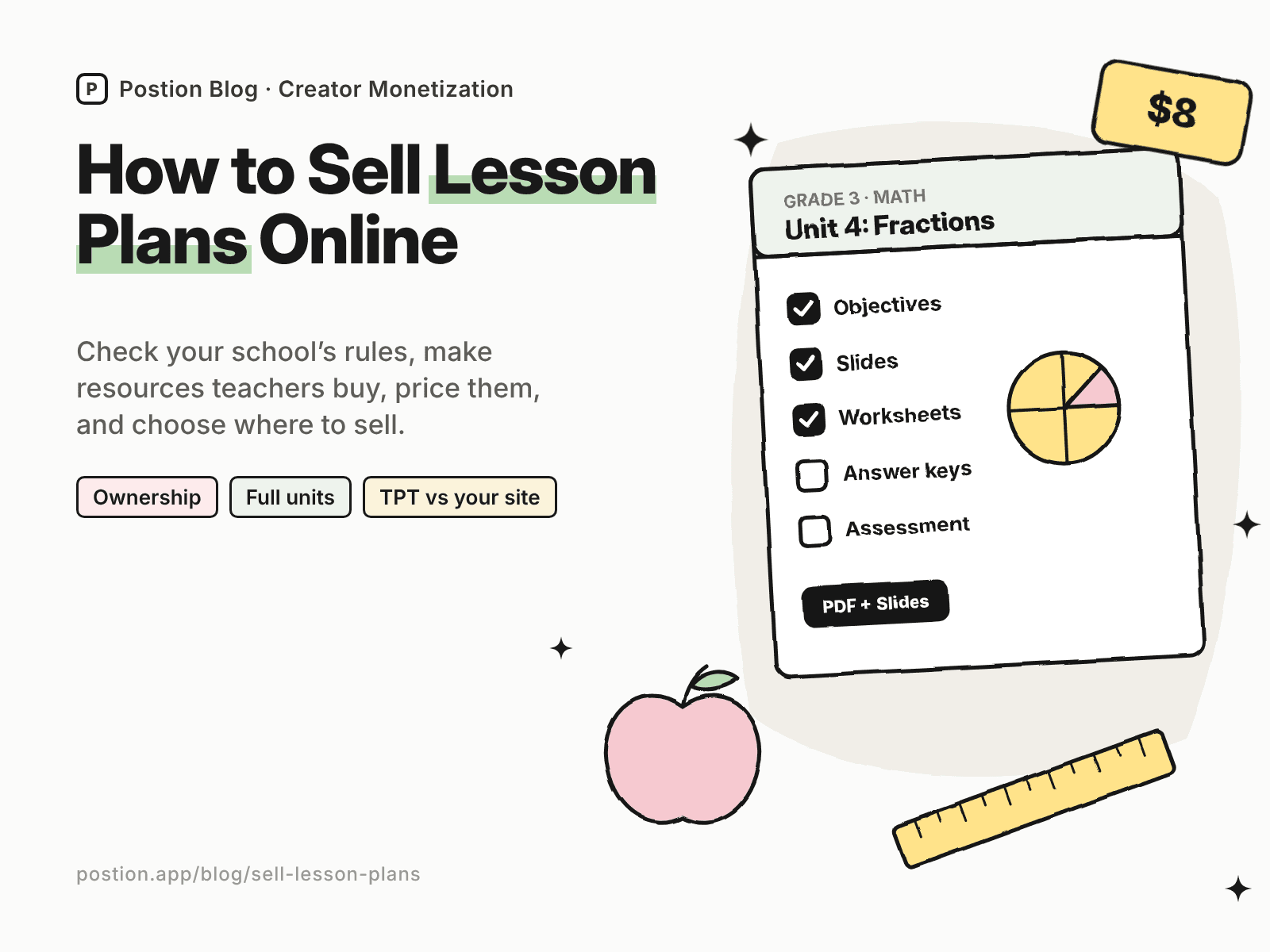
Teachers spend countless evenings building lesson plans, worksheets and slides. Learning how to sell lesson plans online lets those materials help other teachers and pay you back for the time you put in. A strong unit can sell for years, every school year.
This guide covers what to check before you start, resources that sell, how to price them, and where to sell lesson plans, from Teachers Pay Teachers to your own site. If you also make printable activities, see our guide on how to sell printables online.
Before You Start: Check Who Owns Your Materials
- Read your employment contract and district policy. Some schools and districts claim ownership of materials created on the job, on school devices or during work hours. Many teachers create resources for sale on their own time and equipment.
- Use only content you have rights to. Clip art, fonts, images and passages must be your own, public domain or licensed for commercial use in resources you sell.
- Don't sell published curriculum, textbook pages or other teachers' materials, even modified.
- Remove student information. Never include student names, work or photos without permission.
This isn't legal advice. If anything is unclear, ask your district or a professional.
Step 1: Choose Resources Teachers Buy
The best-selling resources save teachers time on something they do every year:
| Generic resource | Version that sells |
|---|---|
| Math worksheets | 3rd grade fractions unit with slides, centers and assessments |
| Reading activities | Novel study for a commonly taught middle school book |
| Science lesson | Ecosystems unit with labs and a project rubric, aligned to standards |
| Classroom forms | Editable parent communication and behavior tracking kit |
| ESL materials | Beginner ESL speaking cards and lesson plans for adults |
Bundles of a full unit or a year of lessons often sell better than single worksheets, because they save the most time.
Step 2: Make Resources Teachers Can Use Right Away
- Include everything for the lesson: objectives, materials, step-by-step plan, student pages, answer keys and assessments.
- Align to standards where your buyers need it, and list them clearly.
- Offer editable and print-ready versions, such as PDFs plus editable slides or documents.
- Add digital versions for platforms teachers already use, where your license allows.
- Make a preview with sample pages so teachers can judge quality before buying.
Step 3: Price Your Lesson Plans
These ranges are typical for teacher-created resources:
| Resource | Typical price |
|---|---|
| Single worksheet or activity | $1–$4 |
| Lesson with slides and student pages | $3–$8 |
| Full unit | $8–$25 |
| Year-long bundle | $25–$100 |
| Site or school license | Priced per teacher or as a flat school fee |
State your license clearly. A single purchase is usually for one teacher's classroom. Offer additional licenses for colleagues or whole schools.
Step 4: Where to Sell Lesson Plans
Here's what you keep from an $8 unit, using US card payments:
| Where to sell | Main fees | You keep | Buyer emails? |
|---|---|---|---|
| Teachers Pay Teachers (Basic) | Keep 55%, minus a per-resource transaction fee | About $4.10 | No |
| Etsy | $0.20 listing + 6.5% transaction + 3% + $0.25 processing | About $6.79 | No |
| Gumroad | 10% + $0.50, plus 2.9% + $0.30 processing | About $6.17 | Yes |
| Payhip (Free plan) | 5%, plus 2.9% + $0.30 processing | About $7.07 | Yes |
| Postion (Free plan) | 5%, plus 2.9% + $0.30 processing | About $7.07 | Yes |
| Postion (Pro plan) | 0%, plus 2.9% + $0.30 processing | About $7.47, before the monthly plan price | Yes |
TPT changed its seller plans in October 2026, including a paid plan with a higher payout for sellers who sell only on TPT. Fees change often, so check each platform's current terms, or plug in your own numbers with the creator platform fee calculator.
Teachers Pay Teachers is where most teachers search for resources, so it's the easiest place to be found. The trade-off is a smaller share of each sale and no direct relationship with buyers. Your own site keeps more and lets you email teachers about new units before the school year starts. Many sellers use both. Our list of Gumroad alternatives compares more checkout tools.
Selling lesson plans on Postion
Postion suits teachers who share teaching ideas on a blog or newsletter. Publish a paid post with preview pages as the free part, set a one-time price, and put the download links behind the paywall. Buyers pay once and unlock them, and every buyer's email lands in your fans list. You can create discount codes for back-to-school sales, and run a membership with new resources every month.
It isn't a full storefront. Postion doesn't have a product catalog, cart, bundles or school licensing, and you'll host files elsewhere and share the link. The platform fee is 5% on the Free plan, 2% on Launch and 0% on Pro, plus card processing at cost. See what Postion is.
Step 5: Market Your Resources
- Share classroom photos and videos of resources in use, without student faces or names.
- Pin every resource to Pinterest, where many teachers search for ideas.
- Write teaching posts on your blog about the problem each resource solves. See how to monetize a blog.
- Offer a free sample in exchange for an email.
- Launch before the school year and before units are typically taught, when teachers are planning.
For more product ideas, see digital products to sell and how to sell spreadsheet templates.
FAQ: How to Sell Lesson Plans Online
Q: Can teachers legally sell their lesson plans? A: Often yes, but check your employment contract and district policy first. Some employers claim ownership of materials made on the job. Only use content you created or have a commercial license for, and never include student information.
Q: Where is the best place to sell lesson plans? A: Teachers Pay Teachers has the largest audience of teacher buyers. Your own site or a checkout tool keeps more of each sale and gives you buyer emails. Many teachers use both.
Q: How much should I charge for lesson plans? A: Single activities often sell for $1–$4, lessons with slides for $3–$8, full units for $8–$25, and year-long bundles for $25–$100. Offer extra licenses for colleagues or schools.
Q: How much do teachers make selling lesson plans? A: It varies widely. Many teachers earn a modest side income, and a few build large businesses. Results depend on quality, the size of your catalog, and how well teachers can find your resources.
Q: What should a lesson plan for sale include? A: Objectives, materials, a step-by-step plan, student pages, answer keys, assessments and standards alignment, in print-ready and editable formats, plus a preview.
Start Selling Your First Resource
Learning how to sell lesson plans online comes down to a simple loop: confirm you own your materials, package a complete resource that saves teachers time, price it by scope, and sell where teachers search while building a list you own. Start with the unit your colleagues already ask to borrow.
Ready to sell your first unit? See how Postion works to sell paid posts and memberships on your own site, keep every buyer's email, and pay a platform fee from 5% down to 0%.
Topic Hub
Explore the Creator Monetization Hub
A topic cluster built around monetization systems, pricing logic, digital products, memberships, and sustainable creator revenue.
Keep Exploring
Related Reads
More posts connected to this topic cluster and reading path.
How to Sell Digital Stickers for GoodNotes (2026)
Learn how to sell digital stickers: transparent PNGs and sticker books for GoodNotes and digital planners, pricing sticker packs, and where to sell them.
How to Sell Embroidery Designs Online (2026 Guide)
Learn how to sell embroidery designs online: PES, DST and JEF files, hoop sizes, stitch-out testing, licensing, pricing, and where to sell embroidery designs.
How to Sell Digital Planners: GoodNotes & iPad Guide (2026)
Learn how to sell digital planners: hyperlinked PDF planners for GoodNotes and Notability, niches that sell, pricing, and where to sell digital planners online.