How to Sell Fonts Online: Licensing & Pricing (2026)
Learn how to sell fonts online: font licensing, file formats, pricing desktop and web licenses, and where to sell fonts, from marketplaces to your own site.
TL;DR
- Fonts are sold as licenses, not just files. Most designers sell a desktop license and charge more for web, app, broadcast or extended commercial use.
- Include OTF and TTF files for desktop, and WOFF2 for web licenses, plus a license file in every download.
- Display, handwritten and script fonts are the easiest to start with. Text families with many weights take far longer to make but can sell for much more.
- On a $25 desktop license you keep about $20.98 to $23.98 on common checkout tools. Font marketplaces bring buyers but usually keep a larger share.
Best for
- Lettering artists and type designers ready to sell their first font.
- Designers who already make custom lettering for clients.

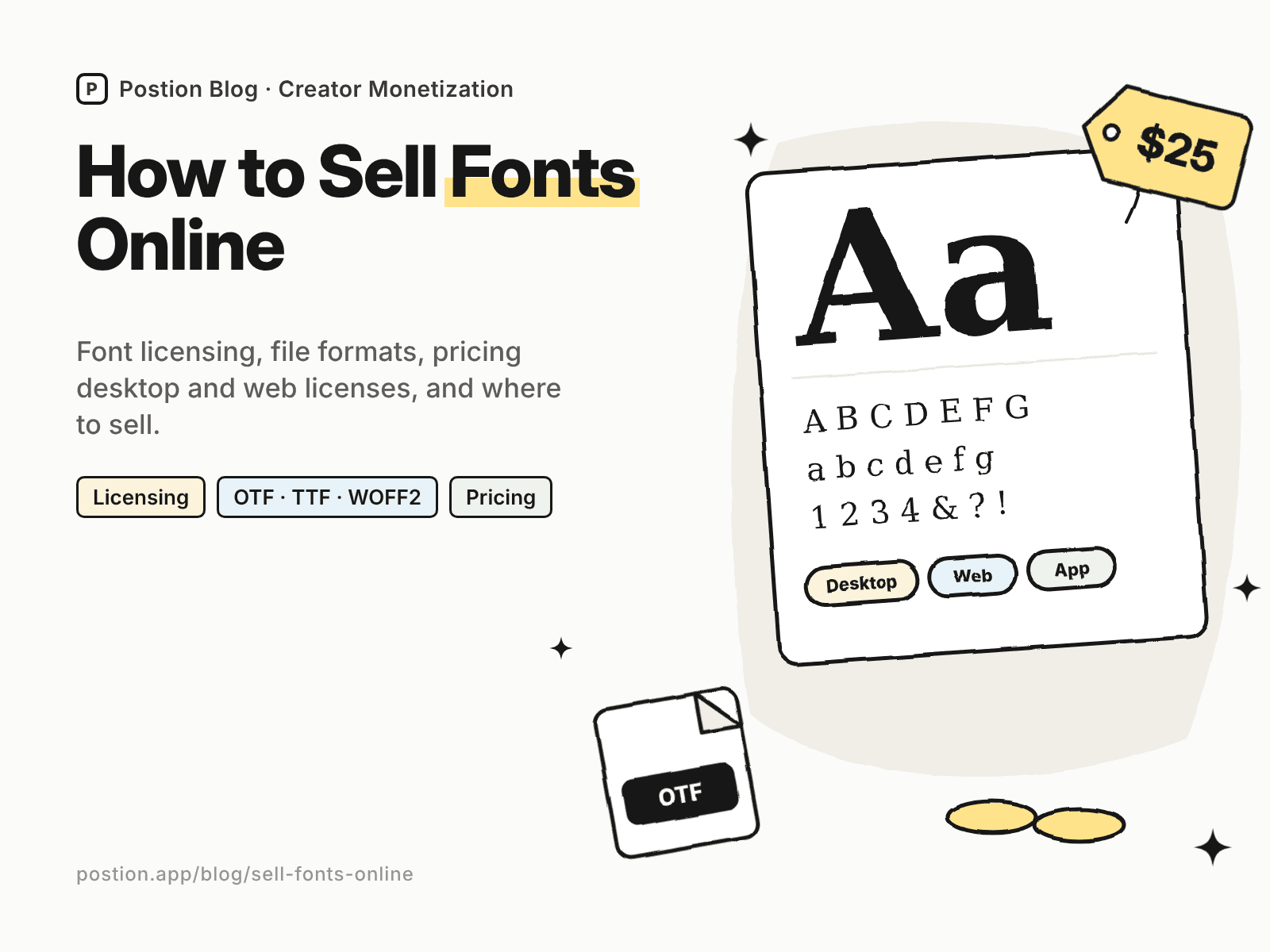
Fonts are one of the most durable digital products a designer can make. A good typeface can sell for years, and every logo, poster or website that uses it is a small advertisement. Learning how to sell fonts online has one twist compared with other digital products: you're selling a license to use the font, not just a file.
This guide covers font licensing, file formats, pricing, where to sell fonts, and marketing. If you're new to digital products, start with how to sell digital products for beginners.
Step 1: Choose What Kind of Font to Make
| Font type | Effort | Typical buyers |
|---|---|---|
| Handwritten and script fonts | Low to medium | Crafters, small brands, social media designers |
| Display fonts | Medium | Posters, logos, packaging, headlines |
| Text families (several weights and italics) | High | Brands, publishers, web and app designers |
| Icon and dingbat fonts | Medium | Designers, crafters, web developers |
Most new type designers start with a display or handwritten font, which needs fewer characters and weights. Text families take far longer but can sell for much more, especially as packages.
To validate an idea, look at popular fonts on marketplaces in your style, read buyer reviews, and check which fonts designers in your niche keep using.
Step 2: Make a Font People Can Use
- Use font software such as Glyphs, FontLab or a free tool like FontForge. Lettering artists often start by drawing letters on an iPad and converting them.
- Cover the character set buyers need: uppercase, lowercase, numbers, punctuation and common symbols. Adding accented characters for European languages widens your market.
- Set spacing and kerning carefully. Uneven spacing is the most common reason amateur fonts look unprofessional.
- Add OpenType features where they help, such as ligatures, alternates and swashes for script fonts.
- Test in real layouts, in different sizes and apps, before release.
Step 3: Understand Font Licensing
Fonts are almost always sold as licenses. Typical license types:
| License | What it usually covers |
|---|---|
| Desktop | Installing the font on a set number of computers to make graphics, print and documents |
| Web | Embedding the font on websites, often priced by monthly page views |
| App | Embedding the font in mobile or desktop apps |
| Broadcast and video | Use in films, TV and online video |
| Extended commercial | Use on products for sale, such as merchandise, in larger quantities |
Write a clear license file and include it in every download. State what's allowed, what isn't, and how buyers can upgrade. Many designers also offer a free personal-use version to build awareness, with commercial use requiring a paid license.
This isn't legal advice. For complex licensing, consult a professional.
Step 4: Prepare Your Font Files
- OTF and TTF for desktop use.
- WOFF2 (and sometimes WOFF) for web licenses.
- A license file and a short readme with installation instructions.
- A specimen, such as a PDF or image showing the character set and sample layouts.
Step 5: Price Your Fonts
These ranges are typical for independent designers:
| Product | Typical price |
|---|---|
| Display or handwritten font, desktop license | $10–$30 |
| Script font with alternates, desktop license | $15–$40 |
| Single weight of a text family | $20–$50 |
| Full text family (multiple weights) | $80–$300+ |
| Web, app or extended licenses | Priced on top of desktop, often by usage |
Bundles and family packages raise your average order. A clear upgrade path from desktop to web and extended licenses keeps business customers coming back.
Step 6: Where to Sell Fonts
Font marketplaces
Marketplaces such as MyFonts, Creative Market and Creative Fabrica bring many buyers searching for fonts. In return they keep a share of each sale, often a large one, and some ask for exclusivity. Check each marketplace's current terms.
Your own site and checkout tools
Here's what you keep from a $25 desktop license on common options, using US card payments:
| Where to sell | Main fees | You keep | Buyer emails? |
|---|---|---|---|
| Etsy | $0.20 listing + 6.5% transaction + 3% + $0.25 processing | About $22.18 | No |
| Gumroad | 10% + $0.50, plus 2.9% + $0.30 processing | About $20.98 | Yes |
| Payhip (Free plan) | 5%, plus 2.9% + $0.30 processing | About $22.73 | Yes |
| Postion (Free plan) | 5%, plus 2.9% + $0.30 processing | About $22.73 | Yes |
| Postion (Pro plan) | 0%, plus 2.9% + $0.30 processing | About $23.98, before the monthly plan price | Yes |
Fees change often. Check each platform's pricing page, or plug in your own numbers with the creator platform fee calculator. Our list of Gumroad alternatives compares more checkout tools.
Many type designers combine both: marketplaces for discovery, and their own site for full families, license upgrades and direct relationships with business customers.
Selling fonts on Postion
Postion suits designers who write about lettering, type or design on a blog or newsletter. Publish a paid post with the specimen as the free preview, set a one-time price for the desktop license, and put the download link and license file behind the paywall. Buyers pay once and unlock it, and every buyer's email lands in your fans list, so you can offer license upgrades and new releases. Your posts can also appear in Postion's community feed alongside other creators' work.
It isn't a full storefront. Postion doesn't have a product catalog, cart, license tiers or license keys, so web, app and extended licenses need separate paid posts or a direct quote. You'll host font files elsewhere and share the link. The platform fee is 5% on the Free plan, 2% on Launch and 0% on Pro, plus card processing at cost. See what Postion is.
Step 7: Market Your Fonts
- Show the font in use. Mockups of logos, posters, packaging and social posts sell fonts better than an alphabet chart.
- Post lettering videos and font creation time-lapses on TikTok, Reels and YouTube.
- Offer a free personal-use version to build awareness, with a clear link to the commercial license.
- Pin your specimens. Pinterest drives steady traffic for fonts and design assets.
- Write about your process. Posts on how you designed a typeface bring search traffic and credibility. See how to monetize a blog.
For other design products, see how to sell Canva templates, how to sell Procreate brushes and digital products to sell.
FAQ: How to Sell Fonts Online
Q: Can I make money selling fonts? A: Yes. Many designers earn a steady side income from fonts, and successful type designers build full-time businesses from families and licensing. Results depend on quality, careful spacing, clear licensing and showing the font in real designs.
Q: How do font licenses work? A: Buyers pay for the right to use the font in specific ways. A desktop license covers installing it to make graphics and documents. Web, app, broadcast and extended licenses cover other uses and usually cost more. Include a clear license file with every download.
Q: Where is the best place to sell fonts? A: Font marketplaces such as MyFonts, Creative Market and Creative Fabrica bring the most buyers but keep a larger share of each sale. Your own site or a checkout tool keeps more and gives you buyer emails. Many designers use both.
Q: How much should I charge for a font? A: Display and handwritten fonts often sell for $10–$30 for a desktop license, and full text families for $80–$300 or more. Charge more for web, app and extended licenses.
Q: What file formats should I include? A: OTF and TTF for desktop licenses, and WOFF2 for web licenses, plus a license file, a readme and a specimen.
Start Selling Your First Font
Learning how to sell fonts online comes down to a simple loop: design a focused typeface, space it carefully, license it clearly, show it in real designs, and sell it where designers look while building a list of customers you can reach again. Start with the lettering style people already ask you about.
Ready to sell your first font? See how Postion works to sell paid posts and memberships on your own site, keep every buyer's email, and pay a platform fee from 5% down to 0%.
Topic Hub
Explore the Creator Monetization Hub
A topic cluster built around monetization systems, pricing logic, digital products, memberships, and sustainable creator revenue.
Keep Exploring
Related Reads
More posts connected to this topic cluster and reading path.
How to Sell Procreate Brushes: A Step-by-Step Guide (2026)
Learn how to sell Procreate brushes: make brushes that sell, export .brushset files, price your packs, compare where to sell Procreate brushes, and market them.
How to Sell Canva Templates in 2026: Rules & Pricing
Learn how to sell Canva templates: what Canva's license allows, templates that sell, how to deliver template links, what to charge, and where to sell them.
How to Sell Crochet Patterns Online (2026 Guide)
Learn how to sell crochet patterns online: write and test patterns, price them, and compare where to sell crochet patterns, from Etsy and Ravelry to your own site.