How to Sell Spreadsheet Templates (Excel & Sheets, 2026)
Learn how to sell spreadsheet templates: Excel and Google Sheets templates that sell, delivering copy links, pricing, and where to sell spreadsheet templates.
TL;DR
- Spreadsheet templates that sell automate one painful, recurring task for a specific person, such as a budget for irregular income or a content calendar for YouTubers.
- Offer both Excel (.xlsx) and Google Sheets versions. Google Sheets is delivered as a "make a copy" link, so buyers get their own editable version.
- Test every formula with sample data, protect the formula cells, and include an instructions tab. Broken formulas are the main cause of refunds.
- Most templates sell for $9 to $49. On a $19 template you keep about $15.75 to $18.15 on common checkout tools.
Best for
- Finance, productivity and business creators who already build their own spreadsheets.
- Freelancers and analysts looking for a first digital product.

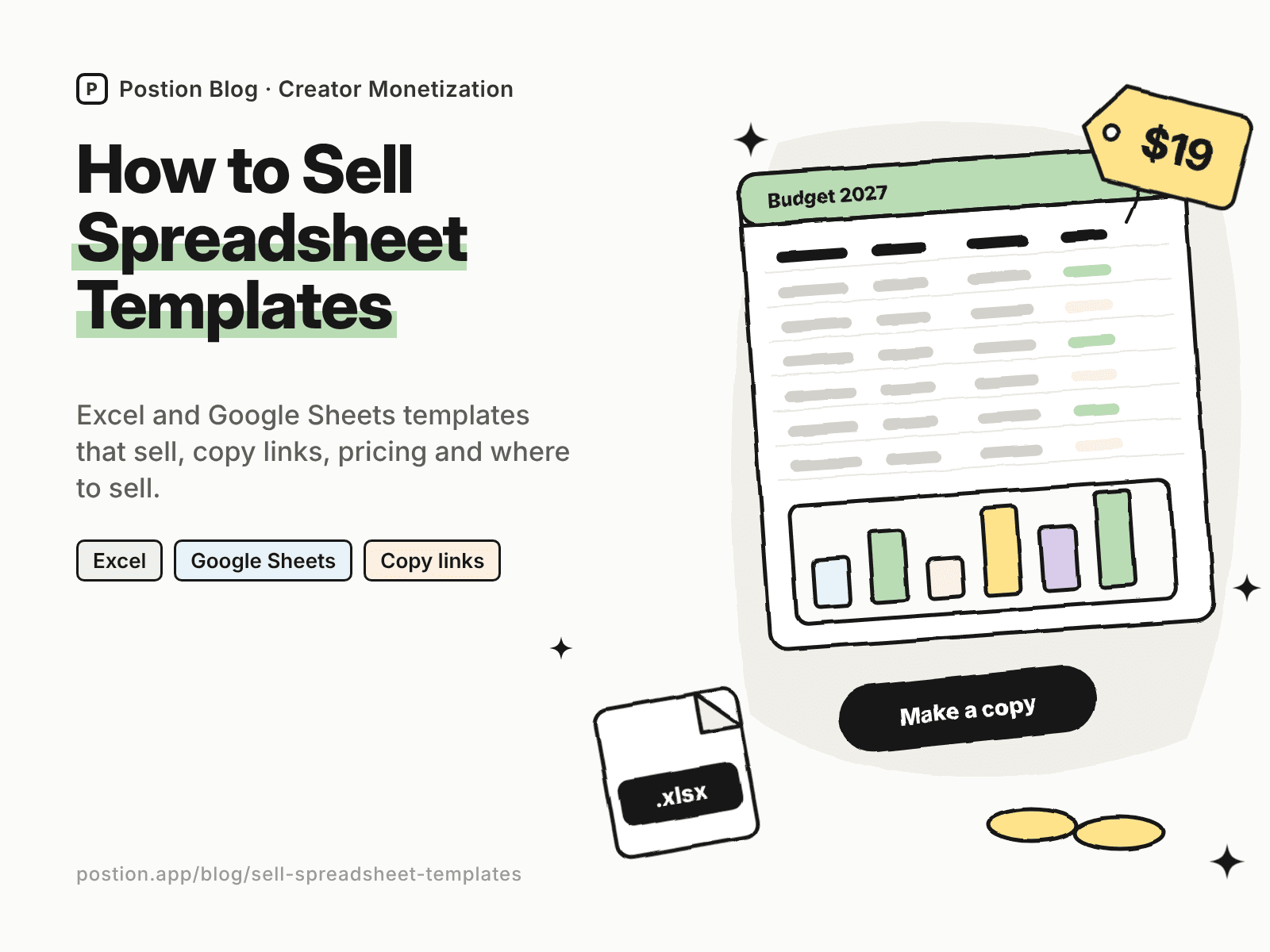
If people keep asking for a copy of your budget, tracker or calculator, you can learn how to sell spreadsheet templates in a weekend. Spreadsheets are one of the most practical digital products: buyers get a working tool, not just information, and one good template can sell for years.
This guide covers templates that sell, how to build and test them, how to deliver Excel and Google Sheets templates, pricing, and where to sell spreadsheet templates. If you're new to digital products, start with how to sell digital products for beginners.
Step 1: Choose Spreadsheet Templates That Sell
The best-selling spreadsheets automate one painful, recurring task for one specific person:
| Generic template | Version that sells |
|---|---|
| Budget spreadsheet | Budget for freelancers with irregular income and quarterly tax estimates |
| Habit tracker | Fitness tracker with auto-calculated weekly volume and progress charts |
| Business tracker | Etsy shop profit tracker with fees, shipping and per-product margins |
| Planner | Wedding budget and guest list tracker with RSVP counts |
| Content calendar | YouTube content pipeline with sponsor tracking and publish dates |
| Calculator | Rental property cash-flow calculator |
To validate an idea, search Etsy for the template type and read buyer reviews, and look at what people ask for in communities such as personal finance, small business and productivity forums.
Step 2: Build a Template People Can Use
- Start with an instructions tab explaining what each sheet does and what to fill in.
- Use clear input cells with a consistent color, and keep formulas in separate cells.
- Protect formula cells and ranges so buyers don't break them by accident.
- Add sample data, and a note on how to clear it.
- Use data validation and drop-downs for categories and dates.
- Build a dashboard with charts and summary numbers. It's often what sells the template in screenshots.
- Test with real data, including empty months, large numbers and different date formats.
Excel vs Google Sheets
Most formulas work in both, but some functions, charts and features differ, and macros don't transfer: Excel uses VBA and Google Sheets uses Apps Script. Test each version separately, and offer both if your buyers use different tools.
Step 3: Deliver Your Templates
- Excel: deliver the .xlsx file as a download.
- Google Sheets: you can't download a Google Sheet as a file that stays a Google Sheet, so deliver a "make a copy" link. Change the end of your sheet's sharing URL from
/editto/copy, and buyers who open it are prompted to save their own copy. Keep your original private. - Include a PDF guide with the links, setup steps and a short video walkthrough if possible.
Never share an edit link to your original template. Anyone with it could change your master copy.
Step 4: Price Your Spreadsheet Templates
These ranges are typical for creator-sold templates:
| Template type | Typical price |
|---|---|
| Simple tracker (habits, reading, chores) | $5–$12 |
| Personal finance or budget template | $12–$29 |
| Business tool (inventory, CRM, profit tracker) | $19–$49 |
| Advanced calculator or financial model | $29–$99 |
| Bundle of templates | $39–$129 |
Price on the time or money the template saves. A profit tracker that shows an Etsy seller which products actually make money is worth far more than a habit tracker, even if it has fewer tabs. For more on tiering, see how to price a membership community.
Step 5: Where to Sell Spreadsheet Templates
Here's what you keep from a $19 template on common options, using US card payments:
| Where to sell | Main fees | You keep | Buyer emails? |
|---|---|---|---|
| Etsy | $0.20 listing + 6.5% transaction + 3% + $0.25 processing | About $16.75 | No |
| Gumroad | 10% + $0.50, plus 2.9% + $0.30 processing | About $15.75 | Yes |
| Payhip (Free plan) | 5%, plus 2.9% + $0.30 processing | About $17.20 | Yes |
| Postion (Free plan) | 5%, plus 2.9% + $0.30 processing | About $17.20 | Yes |
| Postion (Pro plan) | 0%, plus 2.9% + $0.30 processing | About $18.15, before the monthly plan price | Yes |
Fees change often. Check each platform's pricing page, or plug in your own numbers with the creator platform fee calculator. Our list of Gumroad alternatives compares more checkout tools.
Selling spreadsheets on Postion
Postion suits finance, productivity and business creators who write a blog or newsletter. Publish a paid post with dashboard screenshots as the free preview, set a one-time price, and put the copy link and .xlsx download behind the paywall. Buyers pay once and unlock it, and every buyer's email lands in your fans list, so you can tell them about updates and new templates.
It isn't a full storefront. Postion doesn't have a product catalog, cart, bundles or license keys, and you'll host .xlsx files elsewhere and share the link. The platform fee is 5% on the Free plan, 2% on Launch and 0% on Pro, plus card processing at cost. See what Postion is.
Step 6: Market Your Templates
- Show the dashboard. Screenshots and short screen recordings of the template in use sell better than feature lists.
- Write tutorials on the problem the template solves, such as "how to budget on an irregular income," and link to the template. See how to monetize a blog.
- Give away a lite version in exchange for an email, then offer the full template.
- Post on Pinterest and short-video platforms with clear before-and-after examples.
- Update and re-launch. A "2027 edition" of a bestseller is a free reason to email your list.
If you also build templates in other tools, see our guides to how to sell Notion templates and how to sell Canva templates. For more ideas, see digital products to sell.
FAQ: How to Sell Spreadsheet Templates
Q: Can you make money selling spreadsheet templates? A: Yes. Many creators earn a steady side income from Excel and Google Sheets templates, especially in personal finance and small business niches. Results depend on solving a specific problem, testing formulas carefully, and showing the template in action.
Q: How do I sell a Google Sheets template? A: Share a "make a copy" link instead of a file. Change the end of your sheet's URL from /edit to /copy, so buyers are prompted to save their own copy. Deliver the link after purchase, in a PDF or behind a paywall, and keep your original private.
Q: Should I sell Excel or Google Sheets templates? A: Ideally both. Many buyers prefer one or the other, and offering both widens your market. Test each version separately, because some functions, charts and macros don't work the same way in both.
Q: How much should I charge for a spreadsheet template? A: Simple trackers usually sell for $5–$12, budget templates for $12–$29, business tools for $19–$49, and advanced models for $29–$99. Price on the time or money the template saves.
Q: Where is the best place to sell spreadsheet templates? A: Etsy has many buyers searching for templates. Payhip, Gumroad or a paid post on your own site keep more of each sale and give you buyer emails. Many sellers use both.
Start Selling Your First Template
Learning how to sell spreadsheet templates comes down to a simple loop: automate one painful task for one specific buyer, test every formula, deliver clean Excel files and Google Sheets copy links, price on the value it creates, and show it in action. Start with the spreadsheet people already ask you to share.
Ready to sell your first template? See how Postion works to sell paid posts and memberships on your own site, keep every buyer's email, and pay a platform fee from 5% down to 0%.
Topic Hub
Explore the Creator Monetization Hub
A topic cluster built around monetization systems, pricing logic, digital products, memberships, and sustainable creator revenue.
Keep Exploring
Related Reads
More posts connected to this topic cluster and reading path.
How to Sell Coloring Pages Online (2026 Guide)
Learn how to sell coloring pages online: themes that sell, file setup, pricing, printables vs printed books, and where to sell coloring pages, from Etsy to your site.
How to Sell LUTs Online: A Guide for Video Creators (2026)
Learn how to sell LUTs online: make LUTs that work on real footage, export .cube files, price your packs, and compare where to sell LUTs for video creators.
How to Sell Fonts Online: Licensing & Pricing (2026)
Learn how to sell fonts online: font licensing, file formats, pricing desktop and web licenses, and where to sell fonts, from marketplaces to your own site.