How to Sell LUTs Online: A Guide for Video Creators (2026)
Learn how to sell LUTs online: make LUTs that work on real footage, export .cube files, price your packs, and compare where to sell LUTs for video creators.
TL;DR
- LUTs that sell give one consistent, recognizable look for a specific kind of footage and camera, rather than a random mix of filters.
- Export .cube files, which work in Premiere Pro, DaVinci Resolve, Final Cut Pro and most video apps, and say which cameras and color spaces each LUT is built for.
- Test every LUT on varied footage, including skin tones, low light and different cameras, and show before-and-after clips.
- Most LUT packs sell for $15 to $60. On a $29 pack you keep about $24.46 to $27.86 on common checkout tools.
Best for
- Colorists, filmmakers and video creators with a recognizable grade.
- Photographers who already sell presets and want to add video.

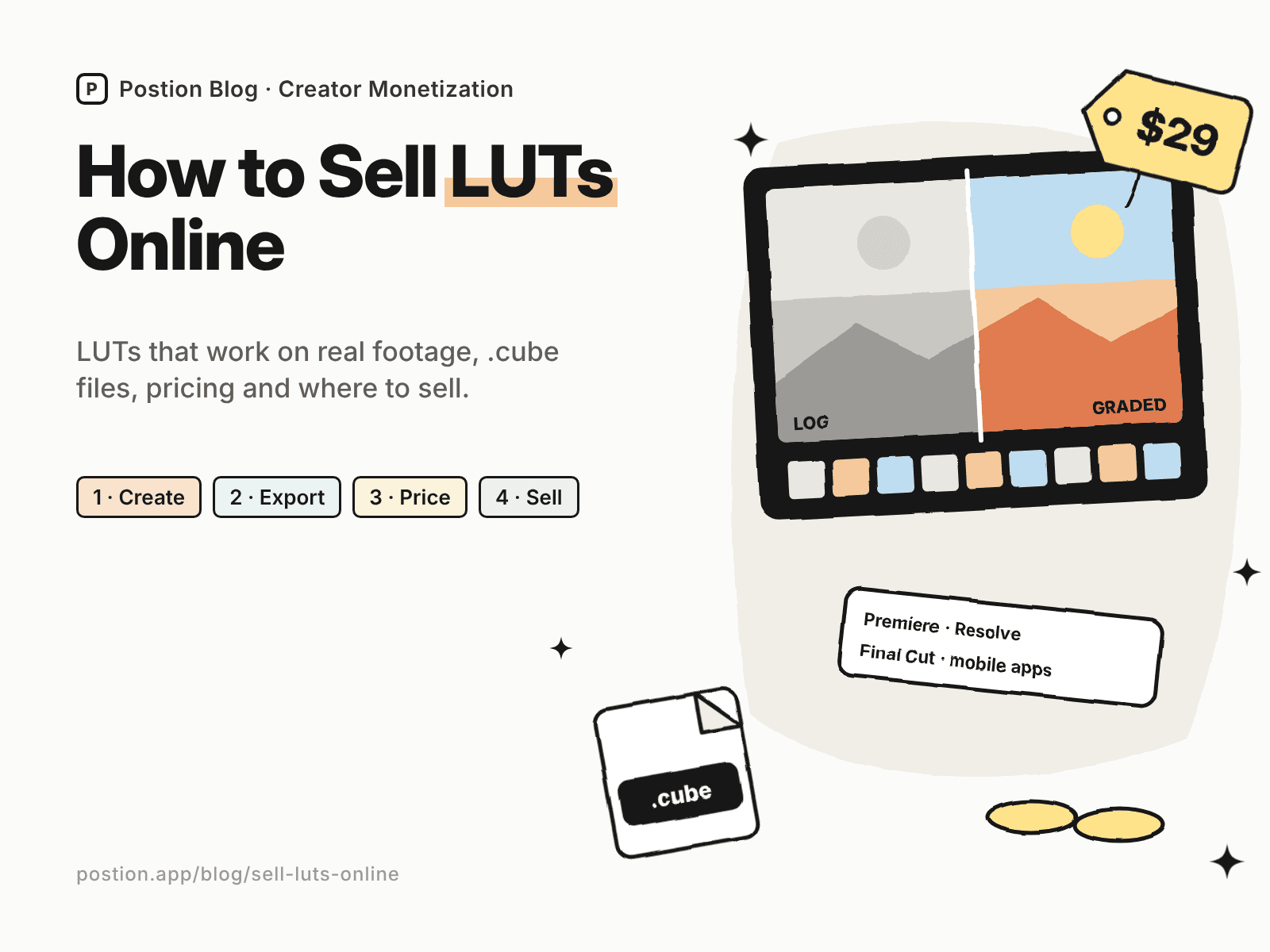
If people keep asking how you grade your videos, you can learn how to sell LUTs online and turn your look into a digital product. A LUT (lookup table) is a file that maps one set of colors to another, so editors can apply your grade to their footage in one step.
The market is crowded with LUTs that look great on the seller's clips and fall apart on everyone else's. This guide covers how to make LUTs that work on real footage, file formats and compatibility, pricing, where to sell LUTs, and marketing. If you also sell photo presets, see our guide on how to sell Lightroom presets.
Step 1: Pick a Look and an Audience
The LUTs that sell give one consistent look for a specific kind of footage:
| Generic pack | Pack that sells |
|---|---|
| "Cinematic LUTs" | Warm film emulation for wedding films shot on Sony S-Log3 |
| "Travel LUTs" | Teal and orange travel looks for drone footage |
| "Moody LUTs" | Low-contrast moody grades for documentary interviews |
| "YouTube LUTs" | Clean, bright looks for talking-head videos on iPhone |
Decide whether your LUTs are technical (converting a camera's log profile to standard color) or creative (a stylistic look applied after conversion), or both. Many packs include conversion LUTs for popular cameras plus creative looks.
Step 2: Create LUTs That Work on Real Footage
- Build from a correct base. Grade on properly exposed, correctly converted footage, and keep the look moderate so it adapts to different shots.
- Test on varied footage: daylight and indoor, different cameras and phones, and a range of skin tones.
- Make strength variations, such as subtle and strong versions, or recommend lowering the LUT's opacity.
- Check skin tones carefully. Unnatural skin is the most common complaint.
- Name LUTs clearly with the look and intended camera or color space.
Step 3: Export and Package Your LUTs
- Export .cube files. They work in Premiere Pro, DaVinci Resolve, Final Cut Pro and most editing and mobile apps.
- List compatibility, including which camera profiles or color spaces each LUT expects, such as Rec.709 or a specific log format.
- Include an install guide for the main editing apps.
- Add before-and-after stills and a sample clip if file size allows.
- Zip everything into one download named after the pack.
Step 4: Price Your LUT Packs
These ranges are typical for creator-sold LUTs:
| Product | Typical price |
|---|---|
| Single LUT or mini pack | $5–$15 |
| Standard pack (5–15 looks) | $15–$60 |
| Camera-specific pro pack with conversion LUTs | $40–$150 |
| Bundle of packs | $60–$200 |
| LUTs plus a color grading course | $80–$250 |
Price on the look, the time it saves and your reputation as a colorist. Adding a short grading tutorial often justifies a higher price than adding more LUTs.
Step 5: Where to Sell LUTs
Here's what you keep from a $29 LUT pack, using US card payments:
| Where to sell | Main fees | You keep | Buyer emails? |
|---|---|---|---|
| Etsy | $0.20 listing + 6.5% transaction + 3% + $0.25 processing | About $25.80 | No |
| Gumroad | 10% + $0.50, plus 2.9% + $0.30 processing | About $24.46 | Yes |
| Payhip (Free plan) | 5%, plus 2.9% + $0.30 processing | About $26.41 | Yes |
| Postion (Free plan) | 5%, plus 2.9% + $0.30 processing | About $26.41 | Yes |
| Postion (Pro plan) | 0%, plus 2.9% + $0.30 processing | About $27.86, before the monthly plan price | Yes |
Fees change often. Check each platform's pricing page, or plug in your own numbers with the creator platform fee calculator. Our comparisons of Gumroad alternatives and Stan Store alternatives cover more checkout options popular with video creators.
Selling LUTs on Postion
Postion suits filmmakers and colorists who share grading tips on a blog or newsletter. Publish a paid post with before-and-after stills and an embedded sample video as the free preview, set a one-time price, and put the ZIP download link behind the paywall. Buyers pay once and unlock it, and every buyer's email lands in your fans list. You can also run a membership with monthly LUT drops and grading breakdowns.
It isn't a full storefront. Postion doesn't have a product catalog, cart, bundles or license keys, and you'll host the ZIP elsewhere and share the link. The platform fee is 5% on the Free plan, 2% on Launch and 0% on Pro, plus card processing at cost. See what Postion is.
Step 6: Market Your LUTs
- Show before and after. Split-screen clips are the most convincing LUT marketing.
- Make grading tutorials on YouTube showing your process, with the LUTs as a shortcut.
- Post short clips on TikTok and Reels with the look applied to real projects.
- Give away one free LUT in exchange for an email, then follow up with the full pack.
- Share customers' work with permission.
For more product ideas, see digital products to sell, and for building an audience around your work, how to make money as a content creator.
FAQ: How to Sell LUTs Online
Q: Can you make money selling LUTs? A: Yes. Many filmmakers and colorists earn a side income from LUT packs, especially with a YouTube or social following. Results depend on looks that work on real footage, clear compatibility information, and strong before-and-after examples.
Q: What file format should I use for LUTs? A: .cube is the most widely supported format. It works in Premiere Pro, DaVinci Resolve, Final Cut Pro and most editing and mobile apps. Include an install guide for each.
Q: Where is the best place to sell LUTs? A: Gumroad, Payhip, Etsy and your own site are common choices. Your own site or a checkout tool keeps more of each sale and gives you buyer emails, while marketplaces bring some search traffic.
Q: How much should I charge for LUTs? A: Standard packs of 5–15 looks often sell for $15–$60, camera-specific pro packs for $40–$150, and bundles or packs with a course for more. Price on the look and the time it saves.
Q: Do LUTs work on any footage? A: Not equally. LUTs are built for a specific color space, such as a camera's log profile or Rec.709, and results depend on exposure and white balance. State which footage each LUT is designed for, and test on varied clips.
Start Selling Your First LUT Pack
Learning how to sell LUTs online comes down to a simple loop: build one look for one kind of footage, test it on real clips, export .cube files with clear compatibility notes, price it on the value it creates, and show before-and-after results everywhere you post. Start with the grade your audience already asks about.
Ready to sell your first pack? See how Postion works to sell paid posts and memberships on your own site, keep every buyer's email, and pay a platform fee from 5% down to 0%.
Topic Hub
Explore the Creator Monetization Hub
A topic cluster built around monetization systems, pricing logic, digital products, memberships, and sustainable creator revenue.
Keep Exploring
Related Reads
More posts connected to this topic cluster and reading path.
How to Sell Coloring Pages Online (2026 Guide)
Learn how to sell coloring pages online: themes that sell, file setup, pricing, printables vs printed books, and where to sell coloring pages, from Etsy to your site.
How to Sell Spreadsheet Templates (Excel & Sheets, 2026)
Learn how to sell spreadsheet templates: Excel and Google Sheets templates that sell, delivering copy links, pricing, and where to sell spreadsheet templates.
How to Sell Fonts Online: Licensing & Pricing (2026)
Learn how to sell fonts online: font licensing, file formats, pricing desktop and web licenses, and where to sell fonts, from marketplaces to your own site.