Postion
  • 社区动态
  • 定价标准
控制台
登录账号
Discord

基础入门

总览介绍为什么选择 Postion?核心概念快速入门指南搬家与迁移控制台指南新用户必看如何赚钱

创作者专区

站点管理写作与编辑Postion 编辑器品牌与定制化界面风格指南SEO 搜索引擎优化社交分发工作流模板市场商业化变现内容访问与定价订阅模式Stripe 支付接入其他收入来源提现与手续费数据分析高级数据分析邮件营销推荐返利机制导出数据CRM 粉丝管理CRM 标签指南CRM 客户分群

共建社区

社区准则早期采纳者红利如何参与

技术开发支持

平台架构Postion 底层原理绑定自定义域名Webhooks 钩子公开 API 接口文档存储限制与配额

其他

常见问题解答疑难解答与排错
文档
CRM Tag System - Complete Guide

CRM Tag System - Complete Guide

Learn how to use the tag system to categorize and manage fans, improving marketing effectiveness

The Tag System allows you to label your fans for quick identification and categorization. Unlike segments, tags are typically used for simpler, often binary classifications (e.g., "VIP", "Beta Tester").

Overview

Tags help you organize your fan base visually. In the CRM, tags appear as colored badges on user profiles.

There are two ways to apply tags:

  1. Manual Tags: You manually add a tag to a specific user.
  2. Automatic Tags: The system applies the tag when a user meets specific criteria.

Managing Tags

To access your tags:

  1. Go to the CRM Dashboard.
  2. Click on the "Tag Manage" tab.

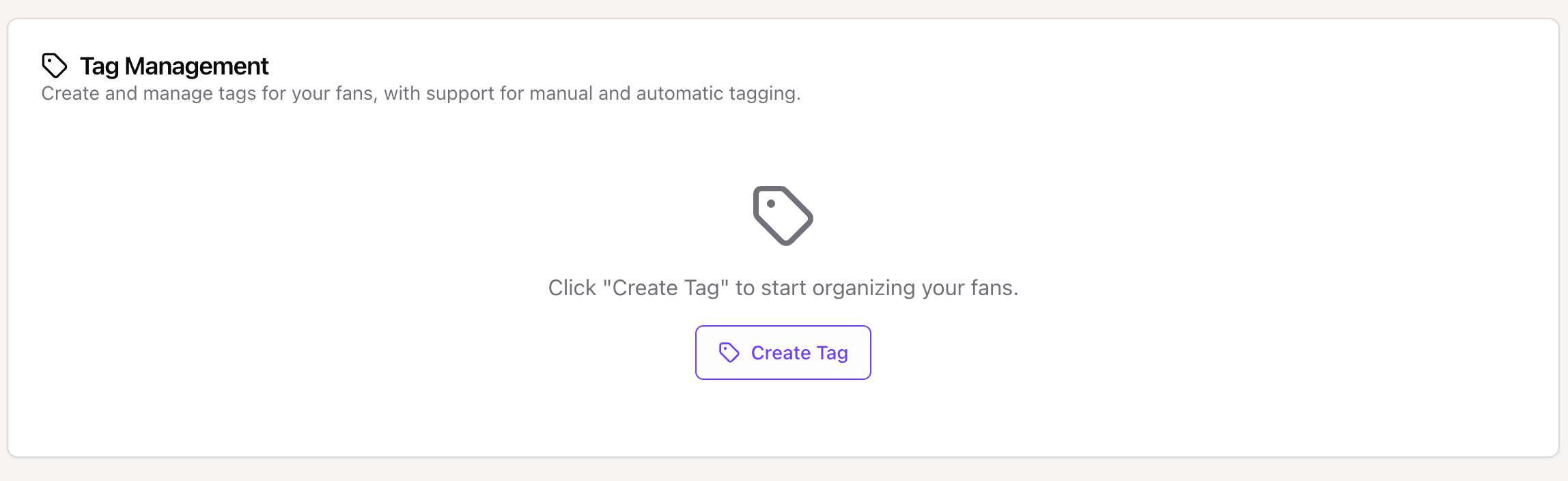
Tag Management Interface - Showing the list of existing tags The Tag Management interface showing your custom and system tags.

From here, you can see all your active tags, their colors, and how many fans are assigned to each.


Creating a New Tag

Click "Manage Tags" (or "Create Tag") to start.

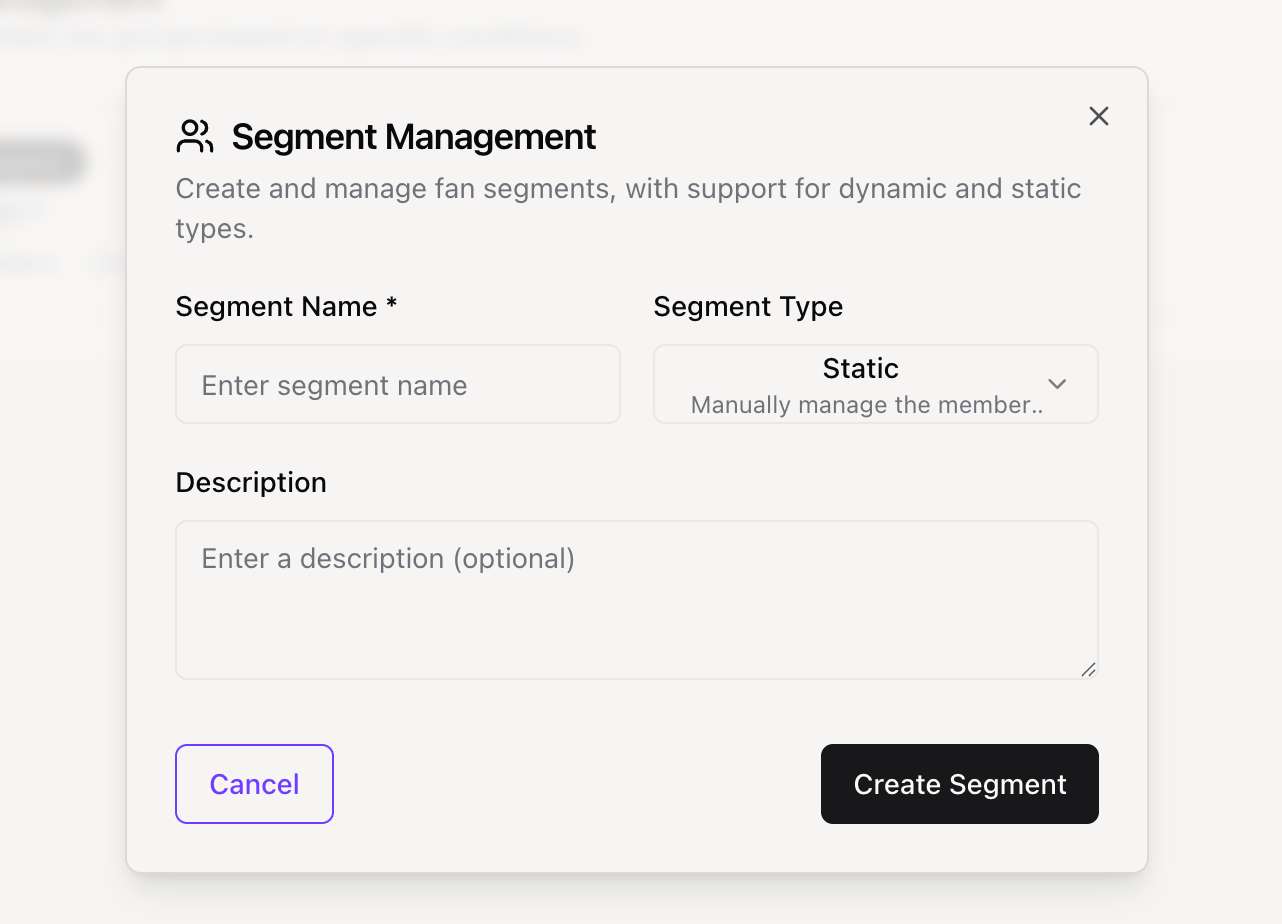
Create Tag Modal - Showing the form to create a new tag The Create Tag modal.

1. Basic Information

  • Tag Name: Keep it short and descriptive (e.g., "VIP").
  • Color: Select a color to help visually distinguish this tag in lists.
  • Category: Group tags by type (General, Behavior, Demographic, Custom).

2. Automatic Tagging Rules (Optional)

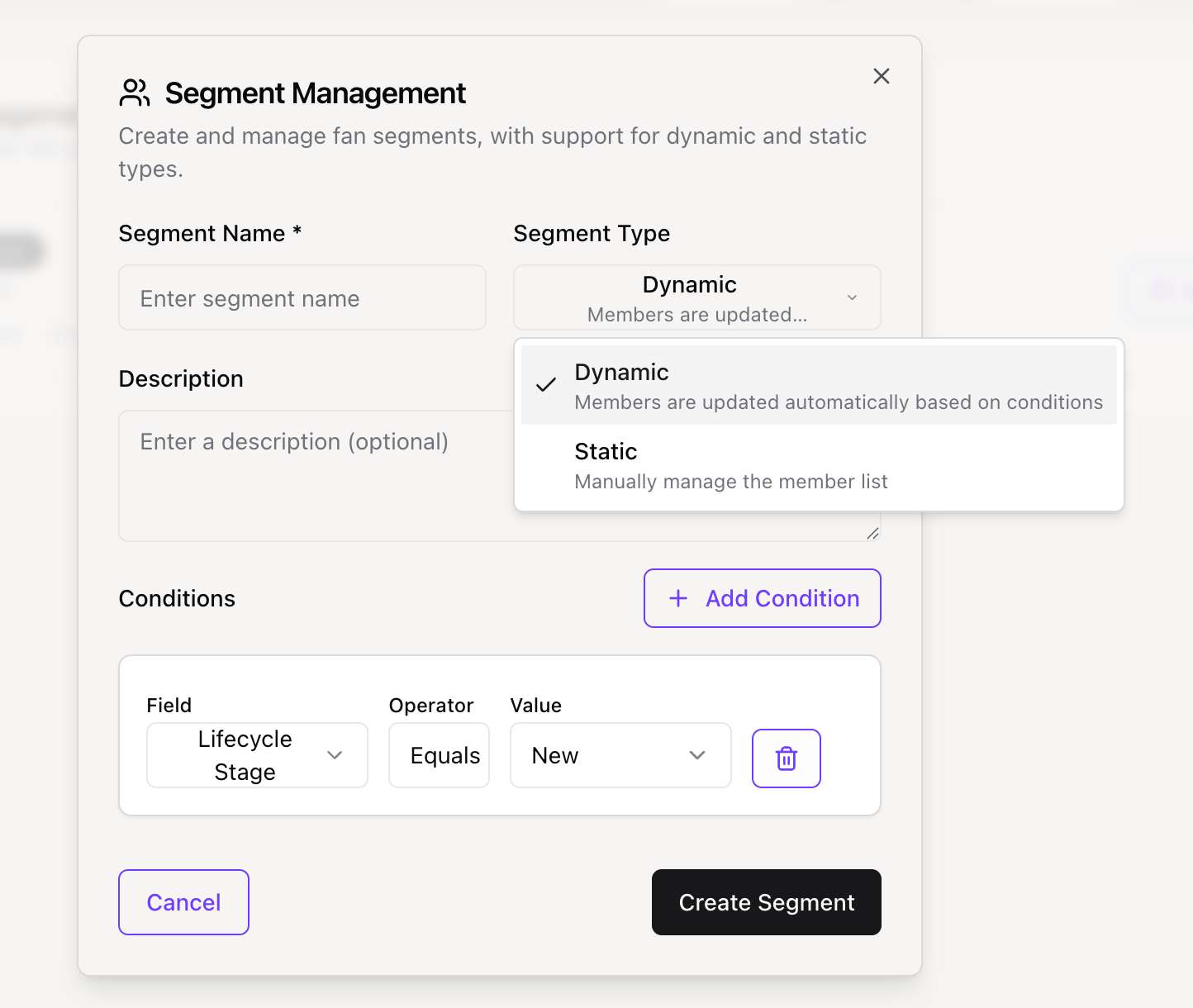
If you want the system to assign this tag automatically, enable "Automatic Tagging" and set the rules.

Available Triggers:

  • Lifecycle Stage matches: e.g., Tag all "Advocates".
  • Total Spending reaches: e.g., Tag anyone who spends > $500 as "Whale".
  • Purchase Count reaches: e.g., Tag after 10 purchases.
  • Activity Level: e.g., Tag users active in the last 24 hours.

Automatic Tag Rule Setup - Showing rule configuration Configuring automatic rules for a tag.


Applying Tags Manually

You can also apply tags directly to a fan's profile.

  1. Navigate to the Fan List.
  2. Click "View Details" on a fan.
  3. In the Tags section, click "Add Tag" and select from your existing list.

Best Practices

  • Color Coding: Use consistent colors (e.g., Green for revenue-related tags, Blue for engagement).
  • Don't Over-tag: Too many tags can clutter the profile. Use Segments for complex filtering instead.
  • Review Automatically: Periodically check if your automatic rules are working as intended.

Need Advanced Filtering?

If basic tags aren't enough, try using Segments for more complex logic. 👉 Read the Segmentation Guide

上一页CRM 粉丝管理
下一页CRM 客户分群
Postion

写下专属于你的篇章

TwitterGitHubDiscordDiscordInstagram

探索

  • 控制台
  • 社区
  • 价格
  • 帮助文档
  • 常见问题

公司

  • 更新日志
  • 开发路线图
  • 联系我们
  • 加入我们
  • 官方博客

资源

  • 邀请机制
  • 快速入门
  • 什么是 Postion
  • 控制台指南
  • 公开 API 指南

支持与服务

  • 关于 Postion
  • 加入 Discord
  • BuouUI 项目
  • 站点地图
  • 博客 RSS

© Postion 2026 — BuouTech Inc.

版本说明无障碍隐私政策服务条款