Docs
Webhooks 文档
Webhooks 文档
为你的内容平台解锁强大的自动化。学习如何使用 Webhooks 接收新销售或注册等事件的实时 HTTP 请求。
概览
Webhooks 允许你接收与内容平台相关的 HTTP 请求。当特定事件发生时(如新文章创建或发布),我们会向你配置的端点发送 POST 请求及事件详情。
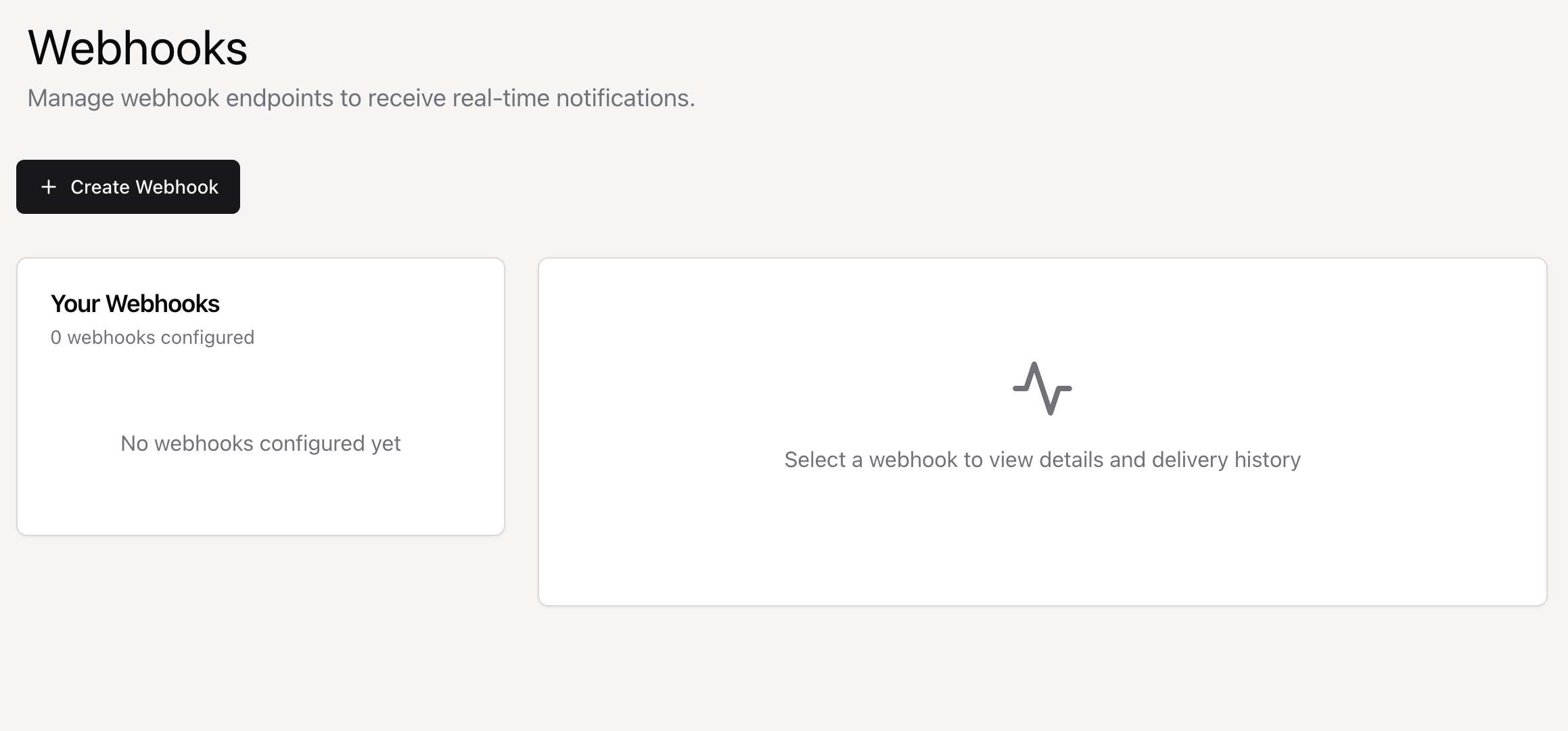
快速开始:在控制台中创建 Webhook,选择要监听的事件,并提供端点 URL。我们会立即开始发送事件。
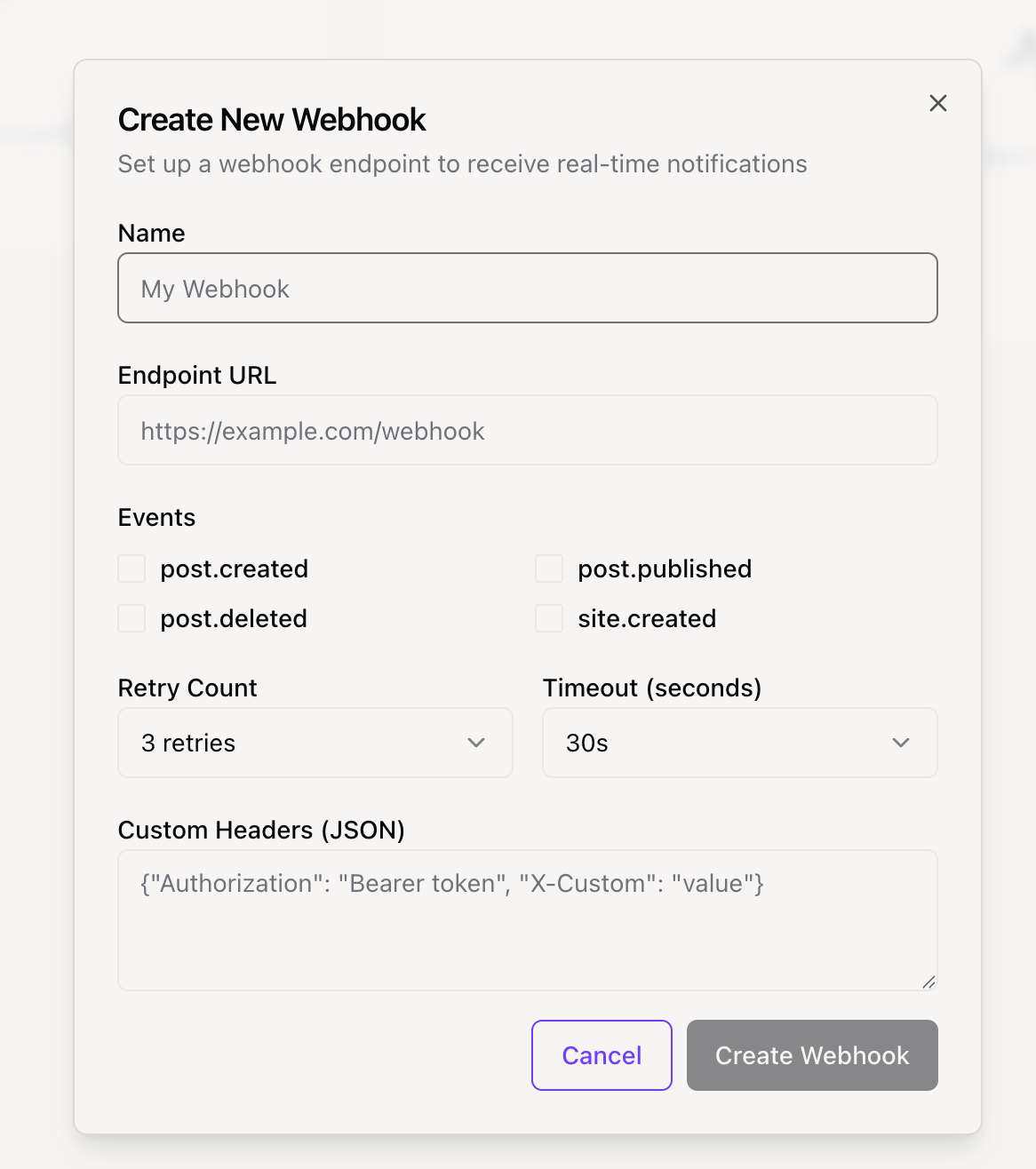
可用事件
目前可监听以下事件:
export const WEBHOOK_EVENTS = {
  // 文章事件
  POST_CREATED: "post.created",
  POST_PUBLISHED: "post.published",
  POST_DELETED: "post.deleted",

  // 站点事件
  SITE_CREATED: "site.created",

  // 订阅事件
  SUBSCRIPTION_CREATED: "subscription.created",
  SUBSCRIPTION_CANCELLED: "subscription.cancelled",

  TEST: "test.event",
} as const
签名验证
为确保安全,你应始终验证 Webhook 请求确实来自我们的平台。我们在每个请求中发送签名供你验证。
签名头
签名在 X-Webhook-Signature 头中发送。签名是使用你的 Webhook 密钥对原始请求体计算的 HMAC-SHA256 哈希。
X-Webhook-Signature: a1b2c3d4e5f6...验证流程
- 从控制台获取你的 Webhook 密钥。
- 使用密钥对原始请求体计算 HMAC-SHA256 哈希。
- 将计算结果与
X-Webhook-Signature头中的签名比较。 - 使用时间安全的比较函数防止时序攻击。
实现示例
以下是不同编程语言中处理和验证 Webhook 的代码示例。
const crypto = require('crypto');
const express = require('express');
const app = express();
app.use(express.json());

const WEBHOOK_SECRET = 'your_webhook_secret_here';

function verifySignature(payload, signature) {
  const expectedSignature = crypto
    .createHmac('sha256', WEBHOOK_SECRET)
    .update(payload)
    .digest('hex');
  return crypto.timingSafeEqual(
    Buffer.from(signature, 'hex'),
    Buffer.from(expectedSignature, 'hex')
  );
}

app.post('/webhook', (req, res) => {
  const signature = req.headers['x-webhook-signature'];
  const payload = JSON.stringify(req.body);
  if (!verifySignature(payload, signature)) {
    return res.status(401).send('Invalid signature');
  }
  const { event } = req.body;
  switch (event.type) {
    case 'post.created':
      console.log('新文章创建:', event.data.title);
      break;
    default:
      console.log('未处理的事件:', event.type);
  }
  res.status(200).send('OK');
});

app.listen(3000);
数据结构
所有 Webhook 数据遵循标准 JSON 结构。
{
  "id": "delivery-uuid",
  "event": {
    "type": "post.created",
    "data": {
      "id": "post_123",
      "title": "My New Post"
    },
    "timestamp": "2024-01-15T10:30:00Z",
    "site_id": "site_789",
    "user_id": "user_456"
  },
  "webhook": {
    "id": "webhook_abc",
    "name": "My Webhook"
  }
}
请求头
每个 Webhook 请求包含以下标准 HTTP 头:
- Content-Type: application/json
- X-Webhook-Signature: [签名]
- X-Webhook-Event: [事件类型]
- X-Webhook-Delivery: [分发 ID]
- User-Agent: Position-Webhooks/1.0
最佳实践
安全
- 始终验证签名
- 使用 HTTPS 端点
- 定期轮换密钥
可靠性
- 端点必须返回 HTTP 200 确认接收
- 使用 X-Webhook-Delivery ID 处理重复事件
- 耗时任务使用队列,先返回 200 再后台处理
性能
- 尽快响应,理想情况下几秒内
- 30 秒超时
- 监控端点性能和在线率